17
2.9 PTZ CONTROL
z PTZ control
If you press button of remote controller, screen will change to FULL screen
mode and you can control PTZ camera.
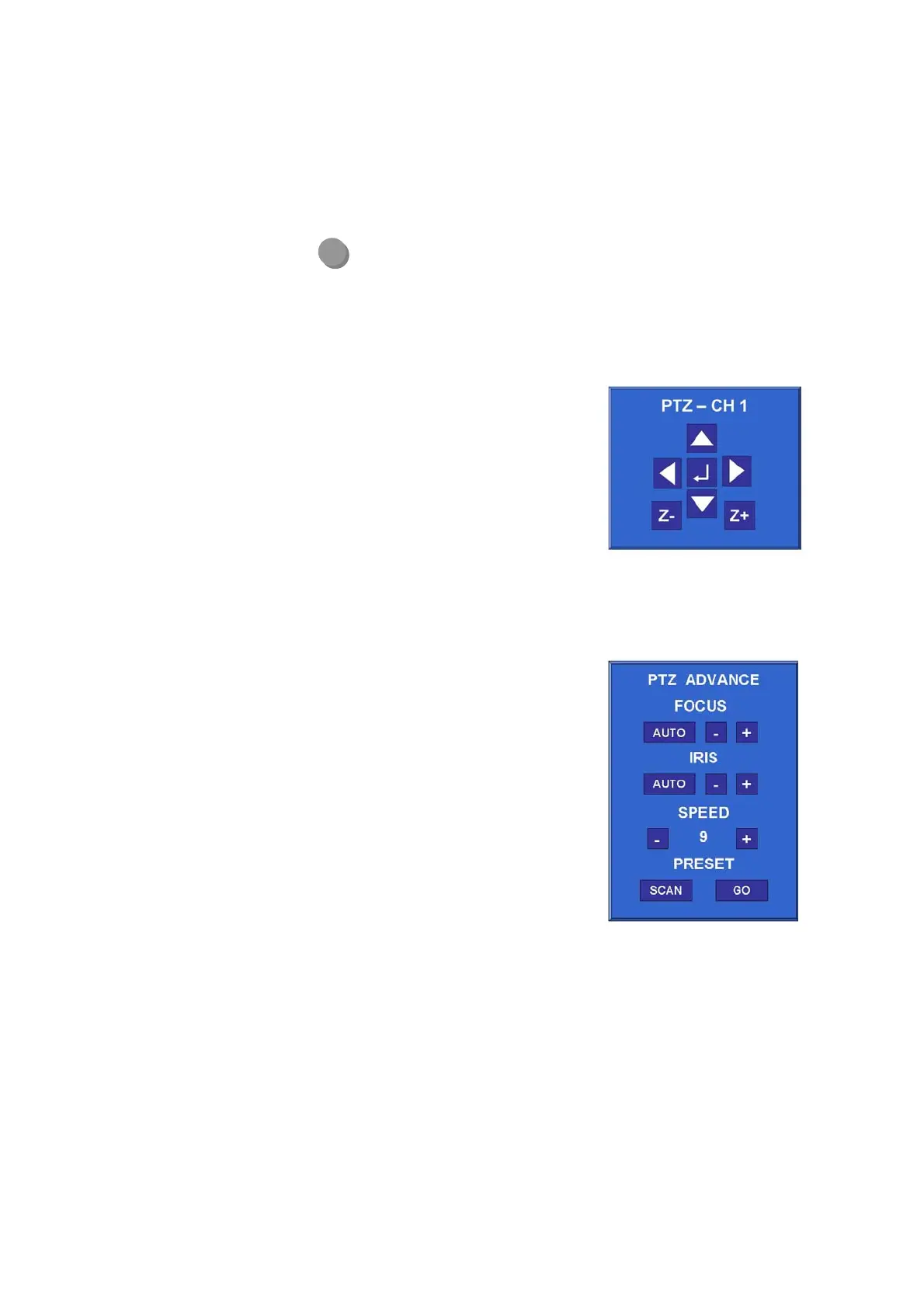
If you press Enter button while in PTZ menu, PTZ- ADVANCE function will pop-up.
z PTZ BASIC
If you press ◀▶▲▼ button, camera will pan to
left / right or tilt up / down.
If you press ◀◀ / ▶▶ button or search / log
button of remote controller, the camera will zoom
in/out.
If you press numeric button of remote controller,
target camera will be changed.
z PTZ ADVANCE
FOCUS
① + : Focus-IN.
② - : Focus-OUT
③ AUTO : AUTO-FOCUS mode.
IRIS
① + : Open Iris.
② - : Close Iris.
③ AUTO : AUTO-IRIS mode.
SPEED
① + : The control speed will increase.
② - : The control speed will decrease.
PRESET
① If you want to go to a specific PRESET-position, select “GO” button.
② If you want to scan PRESET-positions, select “SCAN” button
P/T
Note
- The PRESET-positions are set by PRESET menu
[MENU Æ SETUP Æ password Æ CAMERA Æ PRESET]
- The SCAN-lists are set by SCAN-POINT menu
[MENU Æ SETUP Æ password Æ CAMERA Æ SCAN-POINT]



 To Next Page