13
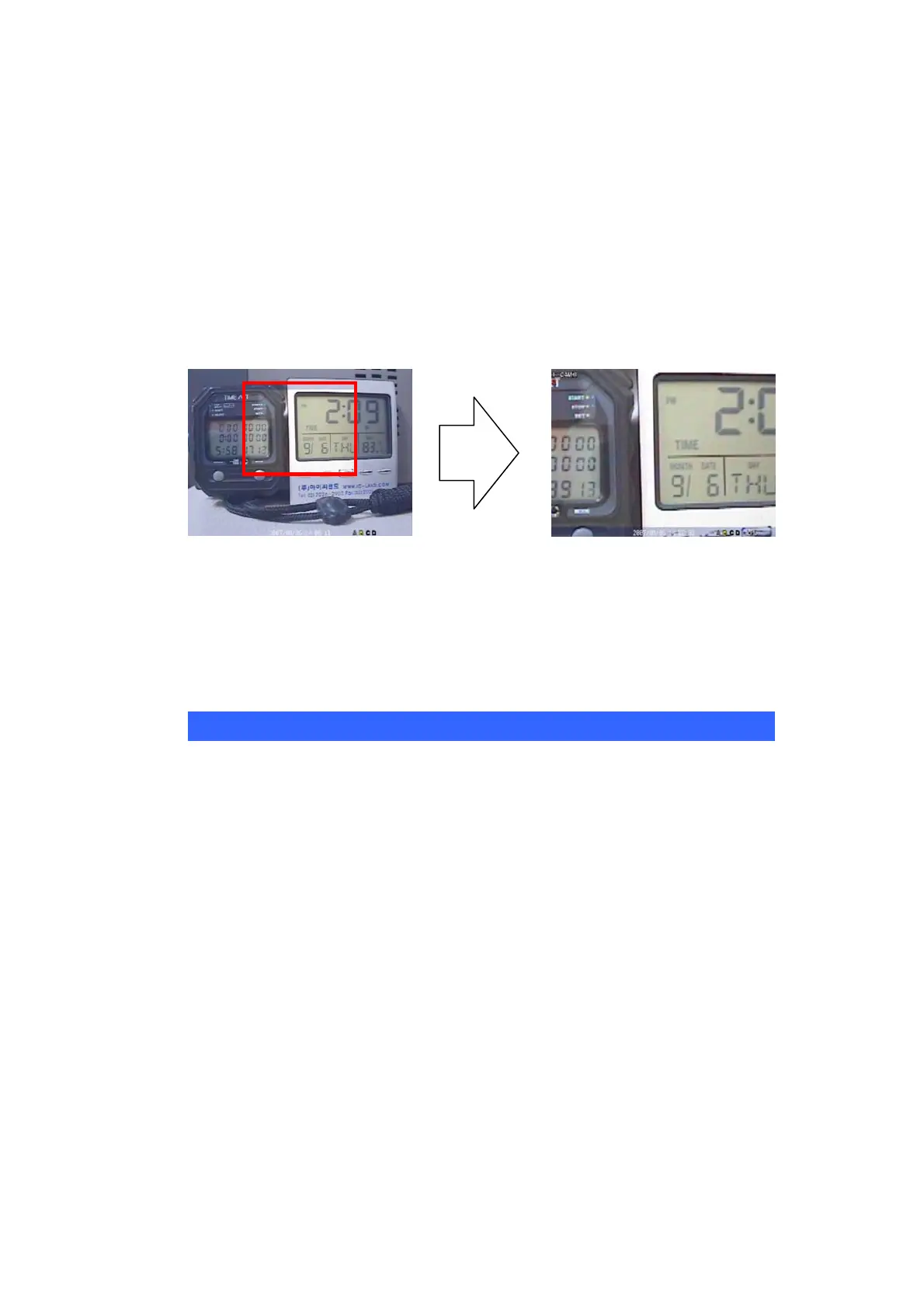
2.4 Digital-ZOOM
If you press ZOOM key of remote controller while in full screen mode, Digital-
ZOOM function will work
.
If you press direct button of remote controller, Zoom-Area window will move.
If you press ZOOM key again, Zoom-Area window will be enlarged or diminished.
If you press ENTER key, selected Zoom-Area will be displayed as full screen.
2.5 Record
Press REC button to record screens. If you press REC button once more, recording
will be stopped.
(1) Check whether the value of date and time is properly set.
(2) Check whether HDD is formatted. If HDD is not formatted, please format HDD.
(3) Make sure that the each screen displays properly.
(4) Set up each channel name.
(5) Select recording quality.
(6) Select recording method.
BEFORE RECORDING, PLEASE CHECK!!



 To Next Page