19
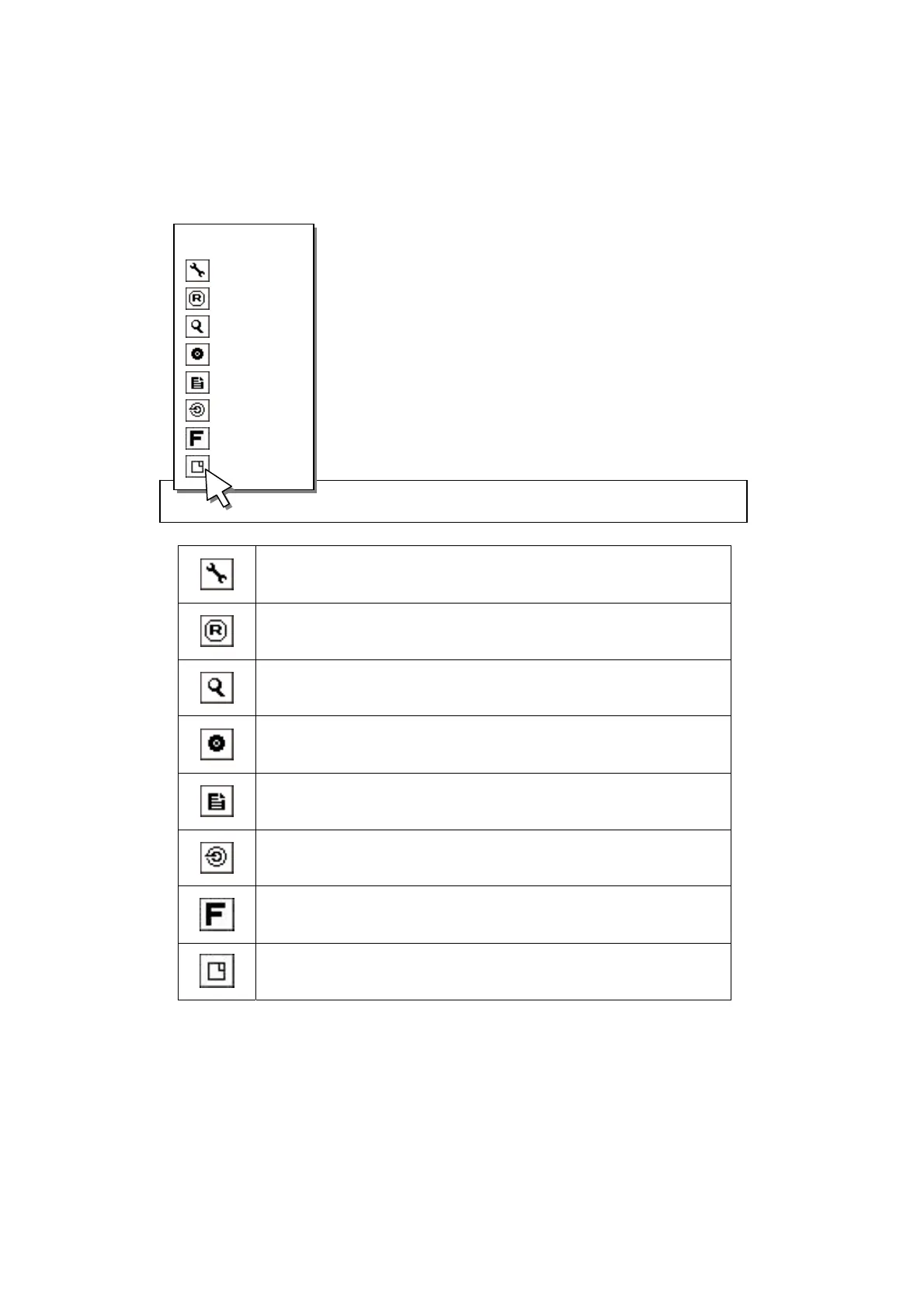
z If you click desired sub menu, system will move to selected sub-menu.
z Click right button of mouse to move to previous mode.
Go to Setup menu
Start or Stop recording
Go to Search menu
Go to Backup menu
Go to Log view menu
Hide all OSD indication in screen
※ If you click right button of mouse, OSD will appear again.
Go to Function menu
Log out this DVR
2.13 S/W upgrade
MENU 2008/04/20 05:35:30 A B C D 77%
MENU
SETUP
REC
SERACH
BACKUP
LOGVIEW
OSD
FUNCTION
LOG OUT
Note
There is two methods to upgrade the DVR system.
- USB UPDATE - Upgrade the DVR system by using USB memory stick.
- NETWORK UPDATE - Upgrade the DVR system through Internet.



 To Next Page