37
Operating CMS program
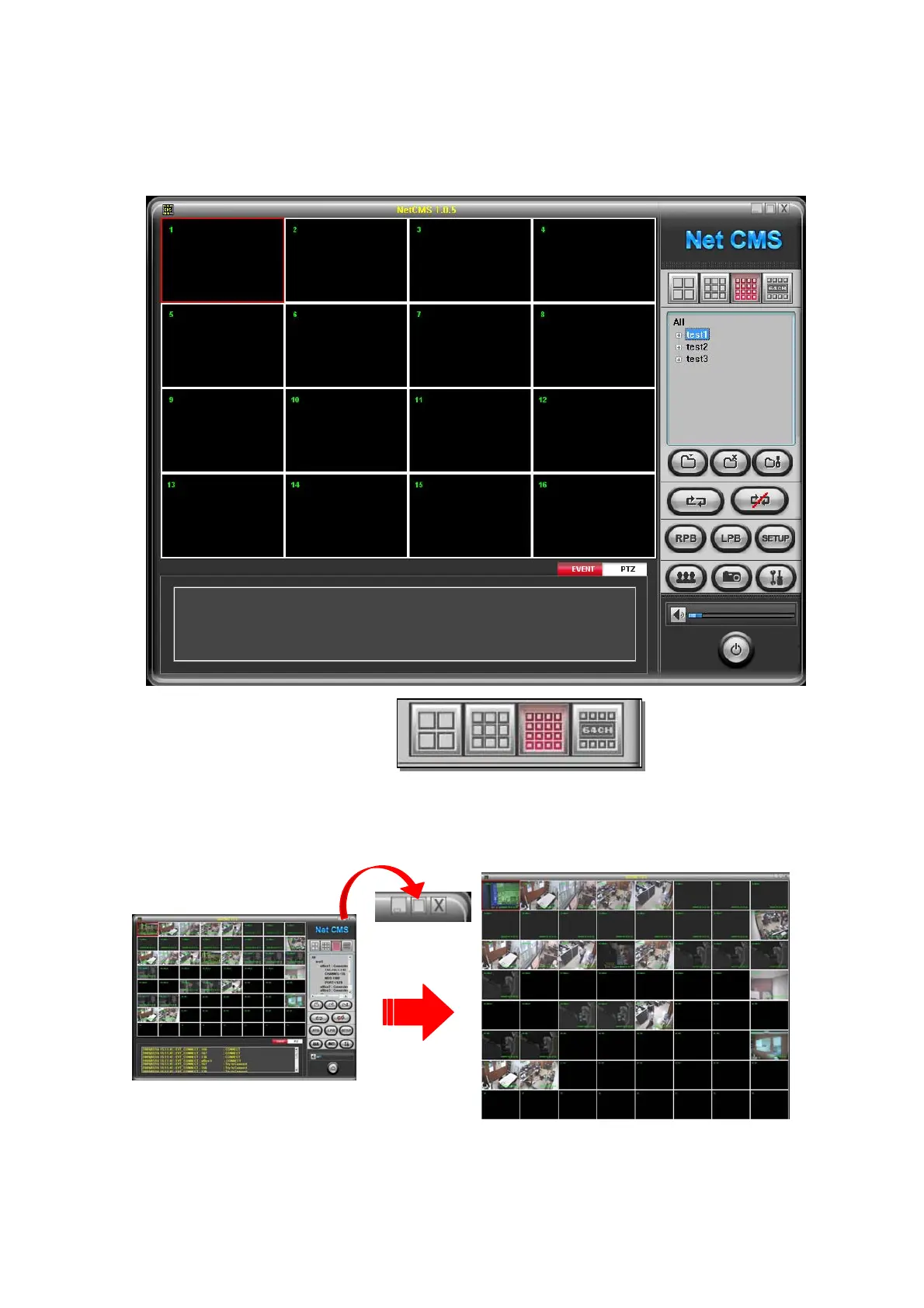
4.1 Screen division option
S/W displays appropriate channel mode automatically according to channel q’ty of connected
DVRs. Also, you can select desire channel mode among 4 / 9 / 16 / 64 channel mode.
You can see full scree mode by clicking maximize button
You can see one channel mode by double click



 To Next Page