5
1. GETTING STARTED
1.1 System Startup and Shutdown
After connecting all peripheral devices then power on the DVR system,
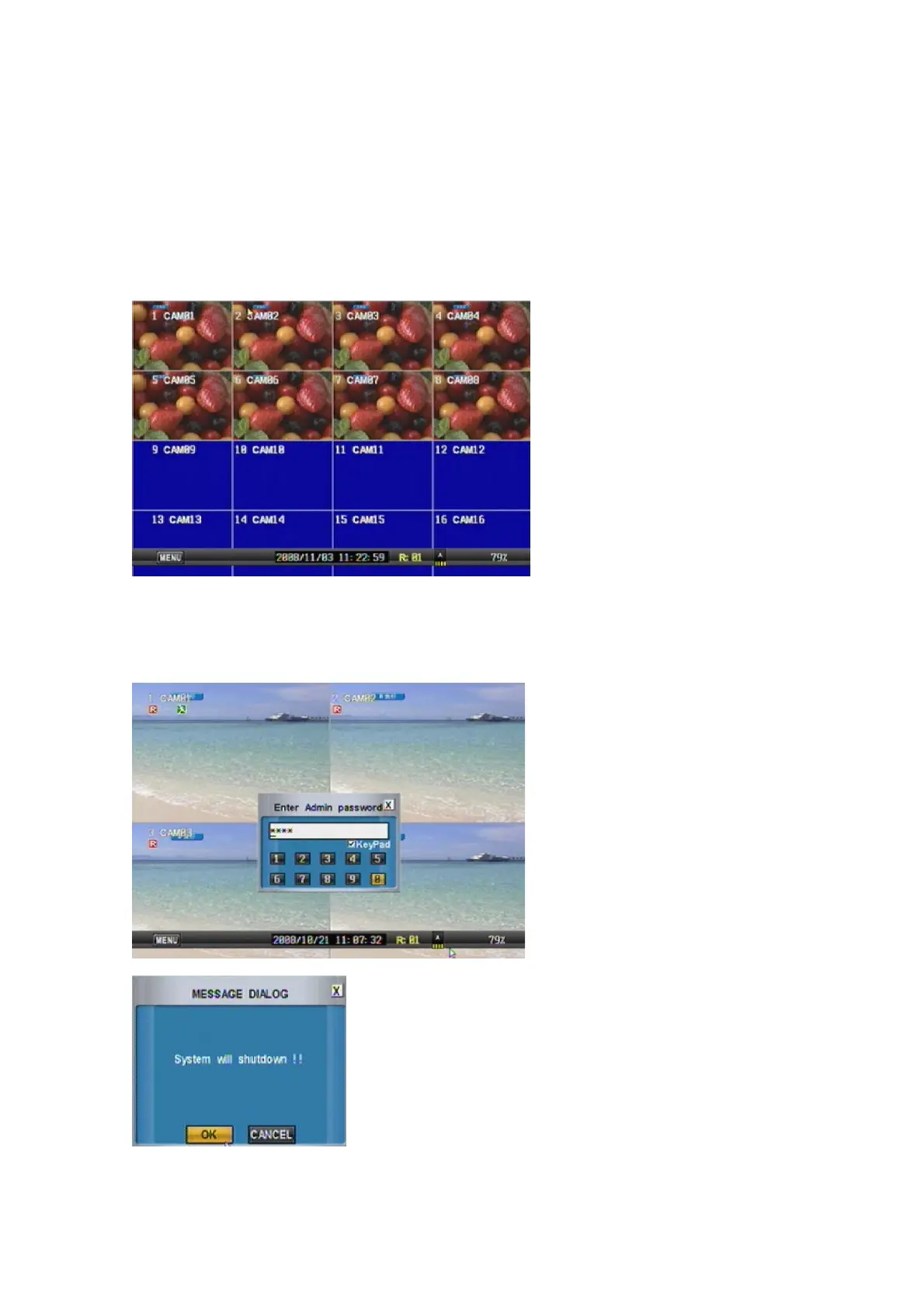
It will ask password with admin account after the DVR system startup,
“Admin” user has fully control to the entire DVR system.
PS. Default password is “0000”.
System Shutdown
To turn the power off, press “POWER” button on front panel it will show dialog box
as below picture. Input the admin password and shutdown the system..



 To Next Page