44
4.12 Remote Setup
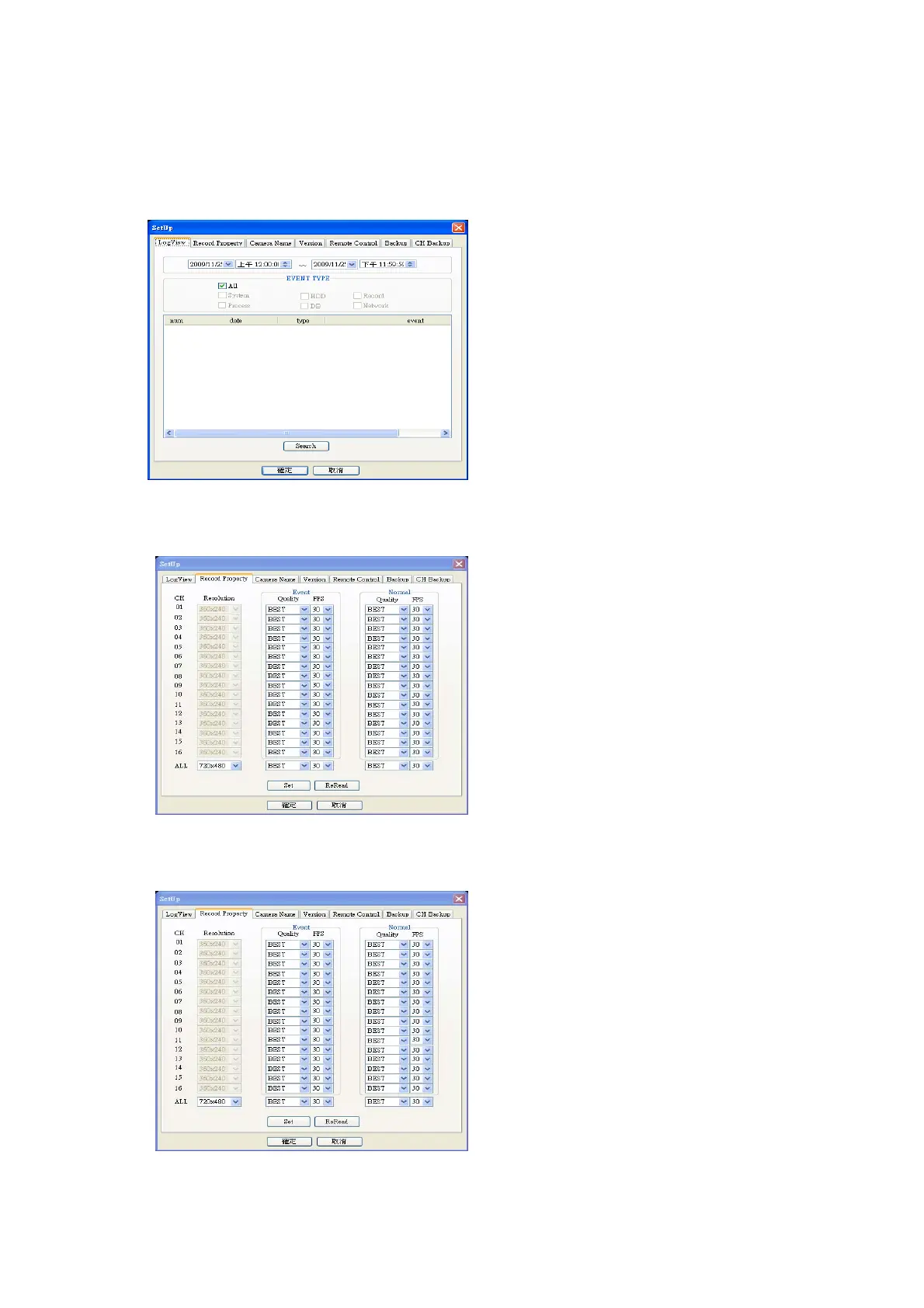
4.12.1 Log view
4.12.2 Record Property
4.12.3 Camera Name
(1) Select desire date & time to search event
(2) Select desire event type
(3) Click Search button
You can adjust resolution, Quality and frame rate to
record.
You can change camera name. DVR system is
compatible with Unicode. So, you can type by Unicode.



 To Next Page