45
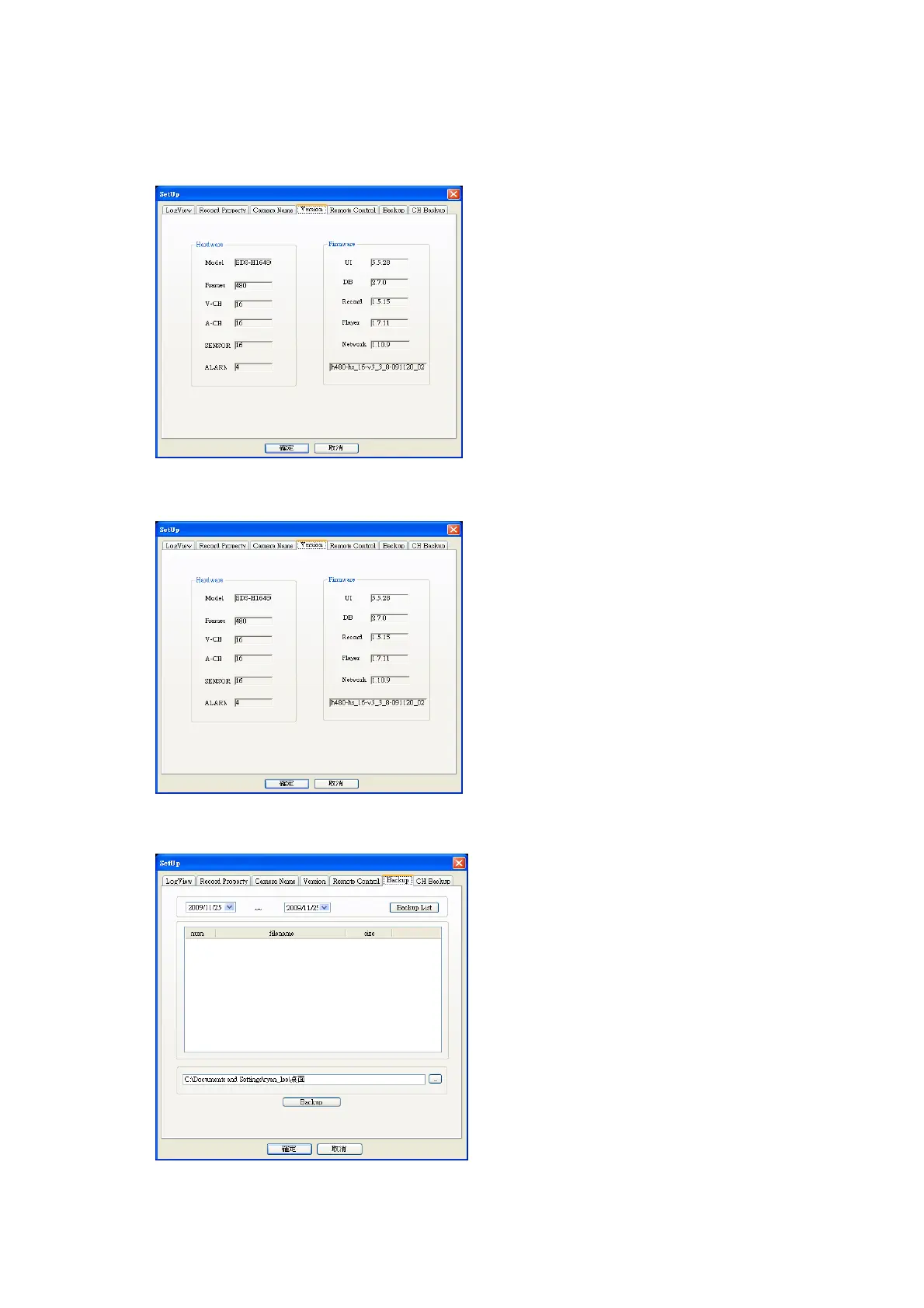
4.12.4 Version
4.12.5 Remote control
4.12.6 Backup
You can check system information
.
SW upgrade : you can upgrade system
Config Upload : you can change config data to DVR
Config Download : you can get config data from DVR
Remote Reboot : you can reboot DVR
.
(1) Select desire date and click Backup list.
(2) Then, backup list in selected date will be shown.
(3) Appoint directory to save backup file and click Backup
button to start backup
.



 To Next Page