2-8
Mounting the Fixture
Trackspot User Manual
4. Connect analog DIN pin 2 to the negative voltage and analog DIN
pin 3 to the positive voltage using the conductor.
When correctly connected to the external voltage source, the fixtures
will be enabled when you apply 10 to 40 volts DC on pin 3. The fixtures
will be disabled when you apply zero volts DC on pin 3.
Mounting the Fixture
Trackspot is designed to be mounted in any orientation. Before
mounting the fixture, follow the precautions and suggestions below:
• Verify the input voltage you are using matches the Trackspot
fixture’s voltage selection switch. Unplug the fixture before
turning the voltage select switch. See “Specifications” on page
Intro-4 and “Selecting the Voltage” on page 1-3 for more
information.
• When you mount or position the fixture, make sure that no
obstacles cover or block the fixture’s cooling fan intake (see Figure
3-1 on page 3-2). A blocked airpath could result in damage to the
fixture.
Heed the following warnings to guard against personal injury and
damage to the fixture.
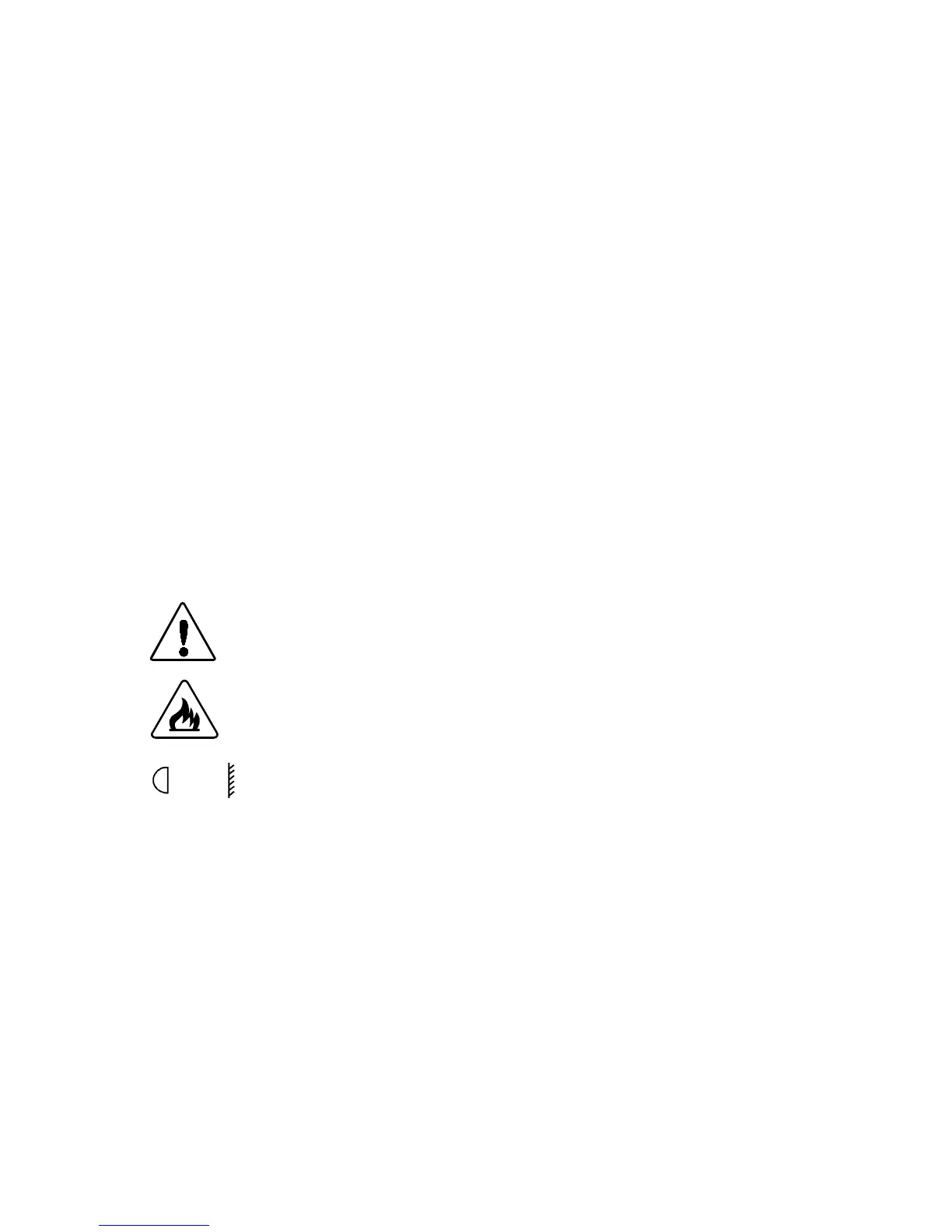
Caution: Equipment suitable for dry locations only.
Do not expose this equipment to rain or
moisture.
Warnings: 1) Do not mount on a flammable surface.
2) Maintain a minimum distance of 1.0
meter (3.28 feet) from combustible
materials.
3) Maintain a minimum distance of 1.0
meter (3.28 feet) from lighted object.
This means the fixture must be
positioned at least 1 meter away from
the object it is illuminating.
Additional Hardware
To mount the fixture, you will need a truss or other support system, one
or more safety cables, and one or more clamps.
Truss or Other Support System
If you are mounting the fixture on a truss or another type of support,
verify the truss or support will handle the weight of all the devices you
are mounting. The Trackspot fixture weight is listed in
“Specifications” on page Intro-4.
1m


 To Next Page