110
chapter 4_Playing Back, Deleting and Editing Your Recordings
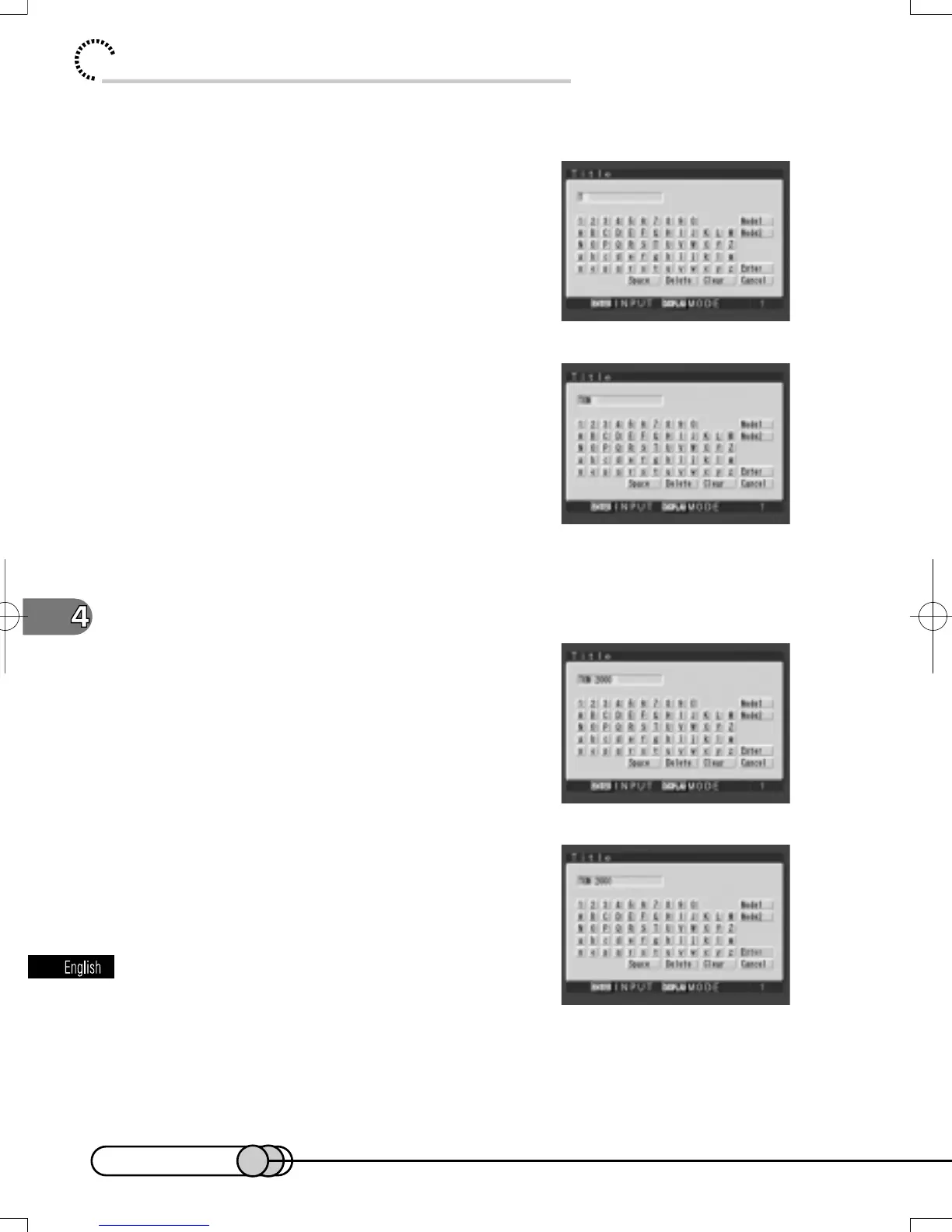
For example, input “TOM 2000” using the following procedure:
4. Press the DISPLAY button to display
Mode 1. Use the cursor keys to choose
“T”, and then press the ENTER button.
“T” will appear on the left end of title input box.
5. Keeping Mode 1, input “O” and “M”,
pressing the ENTER button after each
input.
6. Choose “space” and press the ENTER button.
7. Input “2”, “0”, “0”, “0”, pressing the
ENTER button after each input.
8. After entering the title, choose “Enter”
and press the ENTER button.
E-P89-126 01.1.29, 1:53 PMPage 110 AdobePageMaker6.5J/PPC


 To Next Page
 Loading...











