111
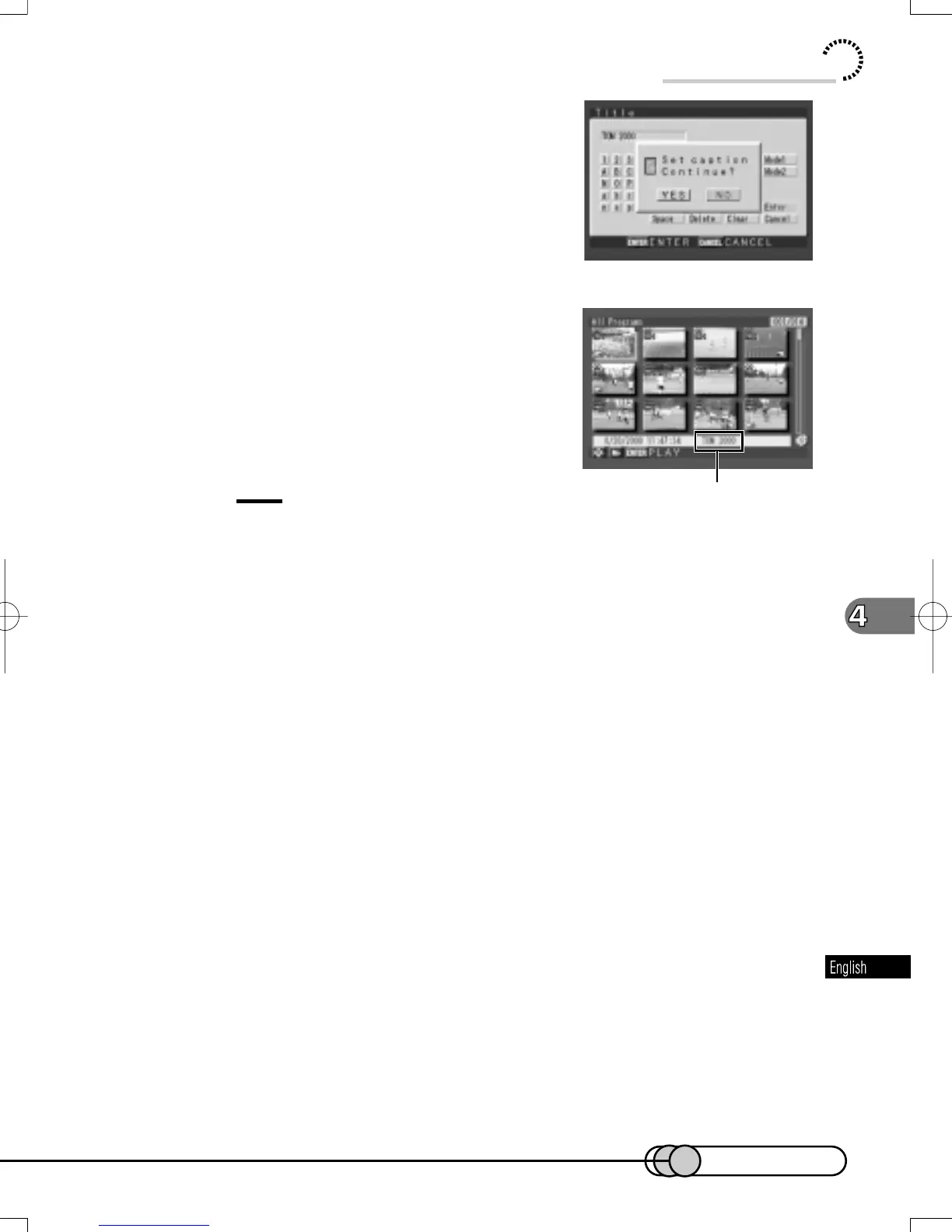
9. The message for verification will ap-
pear. Choose “Yes” and press the EN-
TER button.
After the proceeding message appears, the
thumbnail display screen will be restored.
The entered title will appear at the bottom right of
screen.
Tips:
• To delete any characters you entered by mistake, choose “Delete” and
press the ENTER button. The last character will be deleted.
• To delete all the entered characters and re-input from the start, choose
“Clear” and press the ENTER button.
• Any registered title can be changed at any time using the same procedure
as above.
Using Disc Navigation
E-P89-126 01.1.29, 1:53 PMPage 111 AdobePageMaker6.5J/PPC


 To Next Page
 Loading...











