68
chapter 3_Recording
5. Press the MENU button.
The menu screen will disappear.
Tips:
•
If you want to set another menu item, select it instead of pressing MENU in step 5.
•
You can check D.ZOOM ON or OFF by reviewing the on-screen informa-
tion.
•
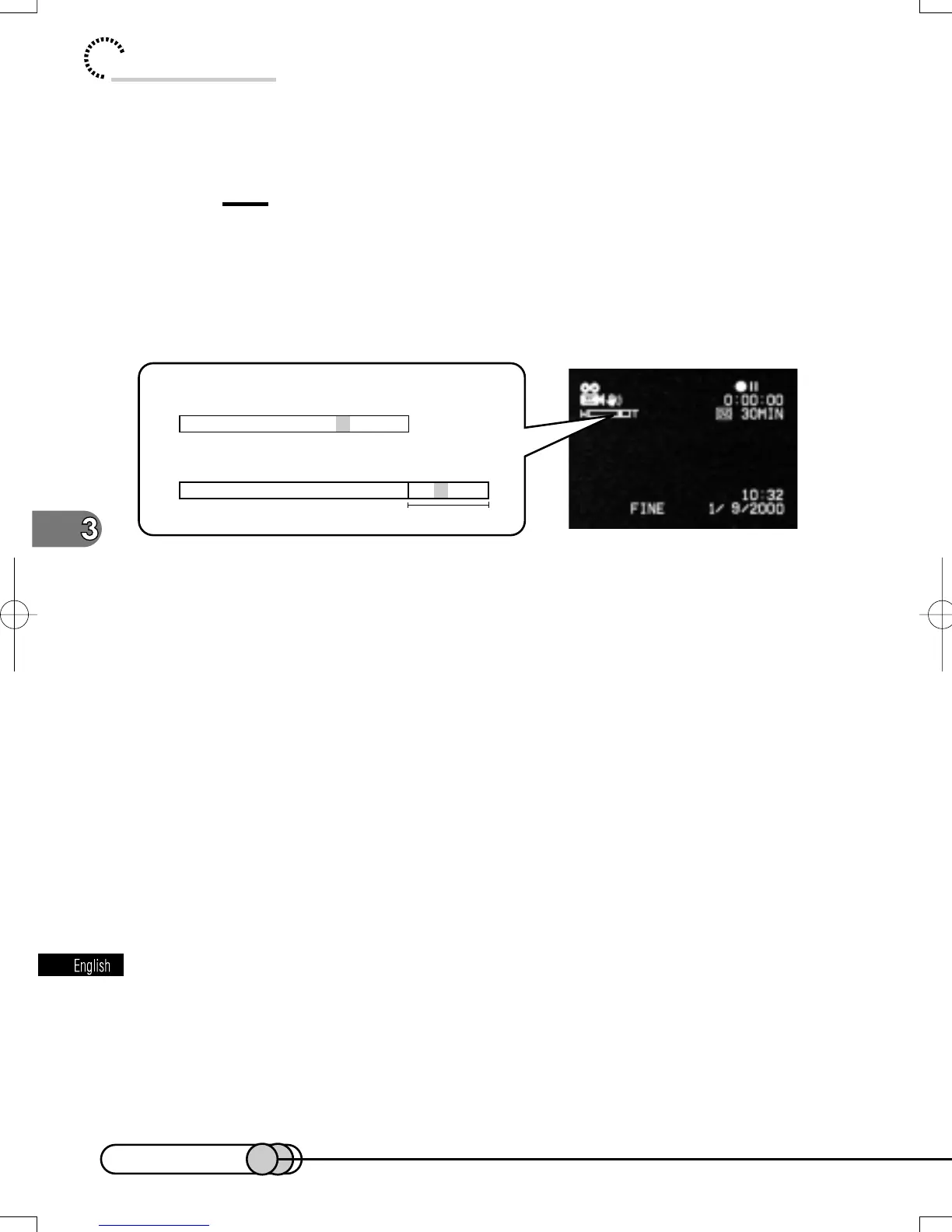
The pointer of zoom indicator shows whether the DVD camera/recorder is
in the optical 12X zoom range or in the digital 4X zoom range.
D.ZOOM ON or OFF setting will be stored in memory even if the DVD camera/
recorder is turned off.
When D.ZOOM is OFF:
When D.ZOOM is ON:
W T
Digital zoom range
W T
E-P54-88 01.1.29, 2:49 PMPage 68 AdobePageMaker6.5J/PPC















 To Next Page