82
chapter 3_Recording
Switching of program AE mode:
With still recording, you can also select one of 5 types of shooting mode in which the
shutter speed and aperture can be adjusted automatically.
For switching of program AE mode, see “Selecting shooting mode to match the sub-
ject” on page 69.
Tip:
•
Use the electronic flash function to record a subject lighted from rear, for a
clearer still.
Shutter speed:
The DVD camera/recorder automatically sets the shutter speed between 1/800
and 1/30 second according to the subject brightness. When the subject is darker,
the shutter speed will automatically be slower; therefore, be careful of camera shake.
During recording of stills, the electronic image stabilizer will not function.
Electronic flash:
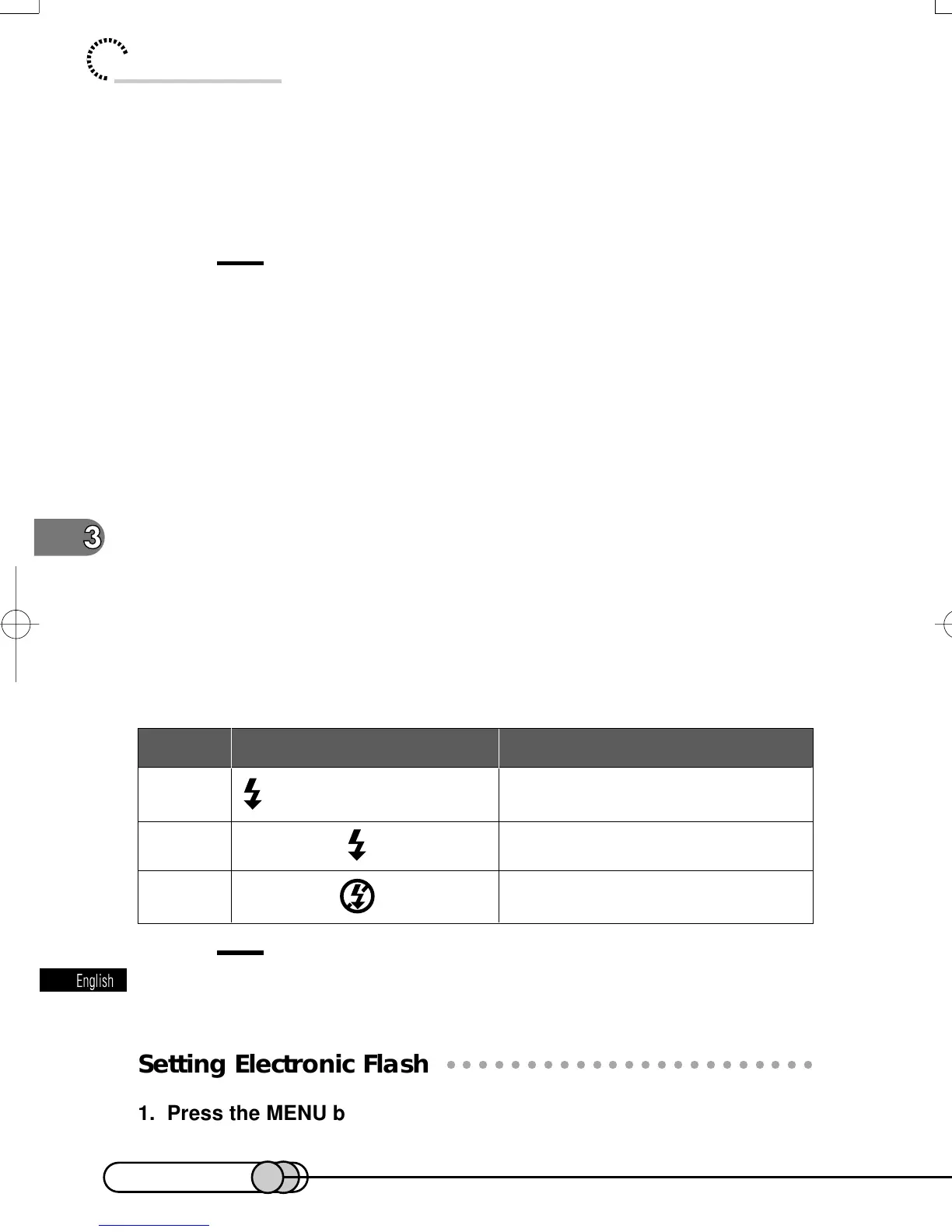
You can use electronic flash in three ways: Flash automatically emits light when re-
cording a dark subject or a subject lit from rear; flash always emits light regardless of
the subject brightness; flash is not used even when recording a dark subject. When
the subject is darker, the shutter speed will automatically be slower; therefore, be
careful of camera shake.
It will take approximately 6 seconds to charge the power supply for flash after the
RECORDING MODE switch is set to still.
Tip:
•
Dark subjects may not be focused even if electronic flash is used. It is
recommended that you light a subject when recording in a dark place.
○○○○○○○○○○○○○○○○○○○○○○○○○○○○○○○○○○○○○○○○○○
Setting Electronic Flash
1. Press the MENU button in the recording pause status to display
the menu screen.
Automatically emits light in dark
place or in a place lit from rear.
Always emits light regardless of
brightness
No light emission
Setting On-screen information Manner for emitting light
AUTO
ON
OFF
when PHOTO is pressed
E-P54-88 01.1.29, 3:17 PMPage 82 AdobePageMaker6.5J/PPC















 To Next Page