88
chapter 3_Recording
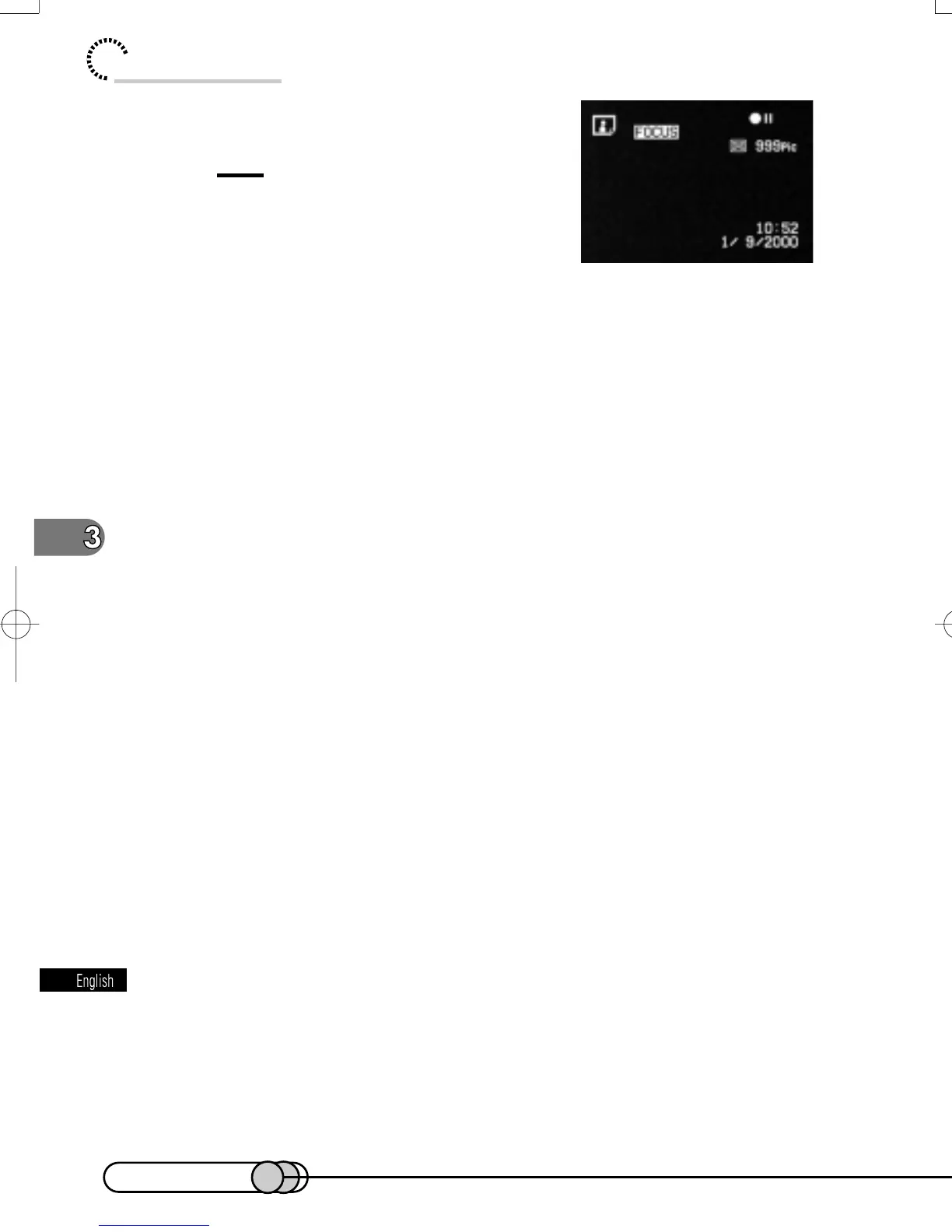
“FOCUS” will appear on the screen.
Tip:
•
Pressing FOCUS will alternate between
manual focus and auto focus. With auto
focus, no indication will appear on the
screen.
2. While monitoring the subject image on the screen, turn the Se-
lect dial to adjust the focus.
3. When the subject is focused, press the PHOTO Button.
With manual focus, you do not need to press the PHOTO button half way.
Manual focus will be released when the DVD camera/recorder is turned off.
E-P54-88 01.1.29, 3:13 PMPage 88 AdobePageMaker6.5J/PPC















 To Next Page