A–3
Hitachi Simple Modular Storage 100 User’s Guide
•
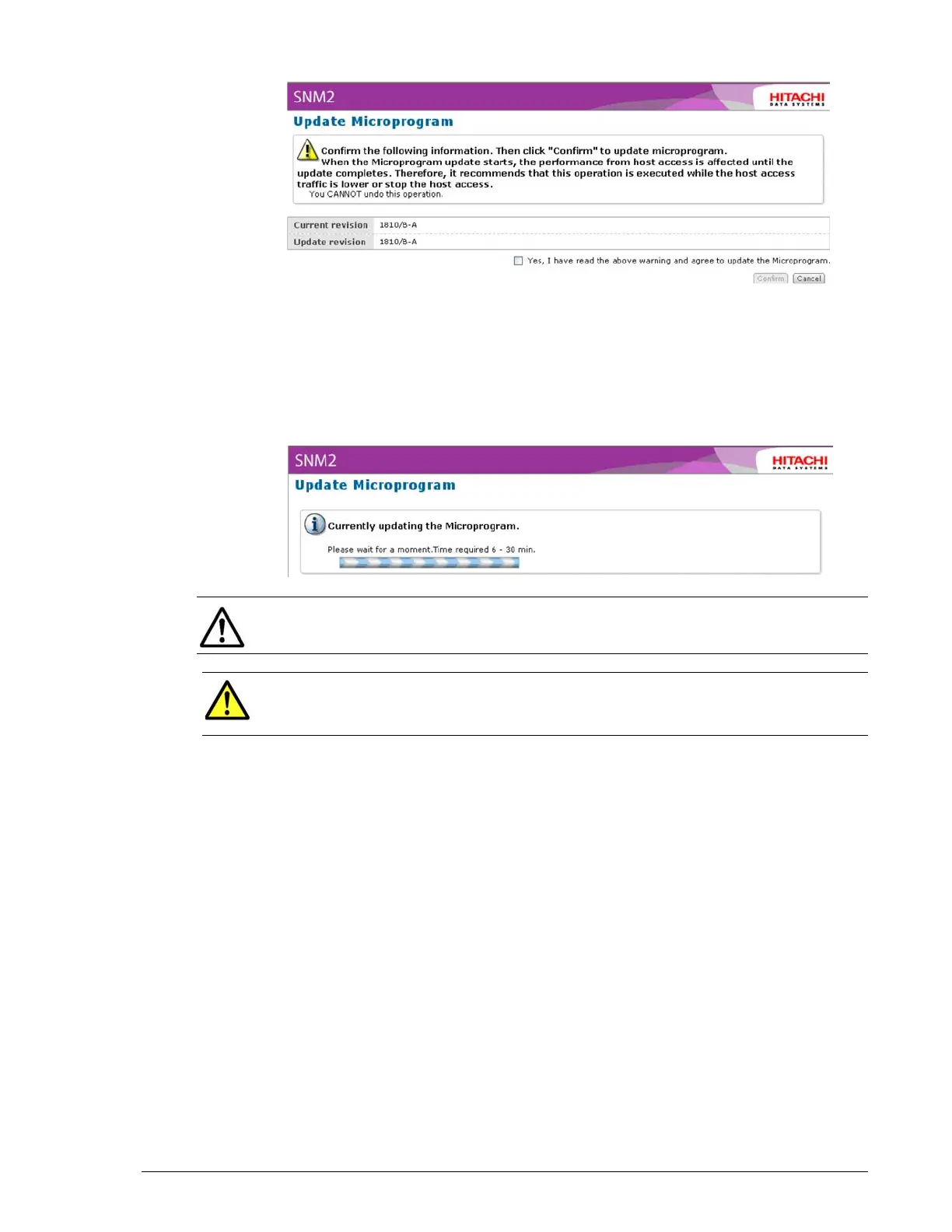
9. Read the information in the window. Then check Yes, I have read the
above warning and agree to update the Microprogram.
10.Click the Confirm button to proceed. A window similar to the following
appears as the firmware is updated. The window shows the approximate
duration required to update the firmware.
•
•
11.After the firmware has been updated, a message informs you that the
operation has been completed successfully. Click the Close button to
remove the message. You can then return to normal operation.
NOTE: On arrays with one controller, the Warning LED flashes when the
firmware is being updated.
CAUTION!Do not cancel or have your Hitachi Simple Modular
Storage 100 perform I/O operations while the firmware is being
upgraded.



 To Next Page