2.3
2-17
NOTE: ● The magnification display of image which is saved by the display magnification is
kept at the display magnification.
● The magnification of data display for the image which is saved by display
magnification is S-x display magnification (4 screen, 6 screen mode), M-x display
magnification (1 screen, 2 screen mode), L-x display magnification (Large display,
large display x 2 mode).
● The magnification display of image which is saved by display magnification is
enabled to the saved monitor size only.
2.3.7 Preset magnification
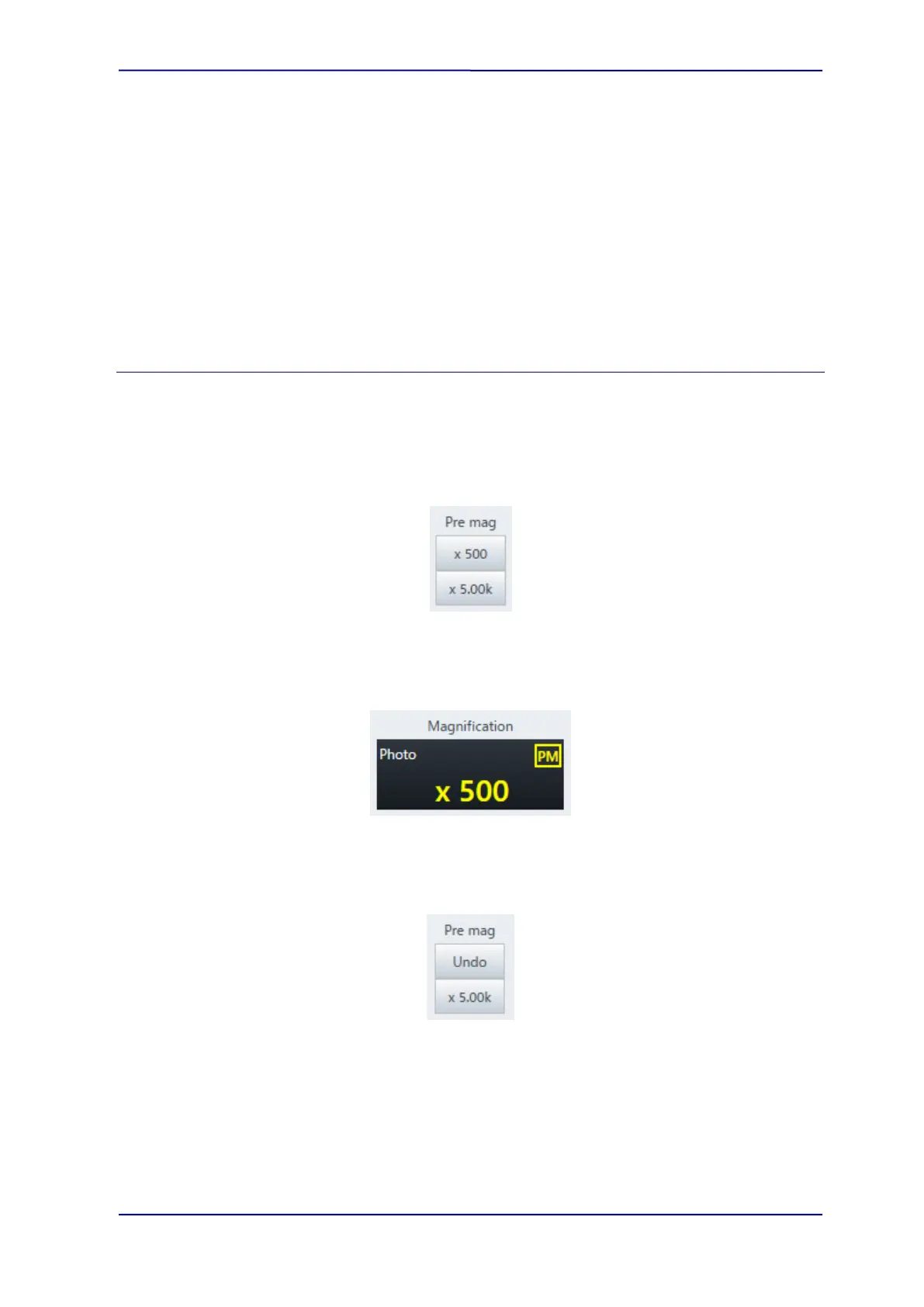
Set to the magnification which is displayed on the button by clicking the two preset
magnification buttons.
The [Image display] tab on the [Standard settings] dialog will be displayed by right clicking the
mouse on the button and each magnification parameter can be set.
When the [Pre Mag] value is set, the PM is displayed on the upper area of magnification
display.
When selecting a magnification of [Pre Mag], the button will be changed to [Undo]. When
clicking [Undo], the display will be returned to the previous magnification.



 To Next Page