2.4
2-85
2.4.4 Standard settings
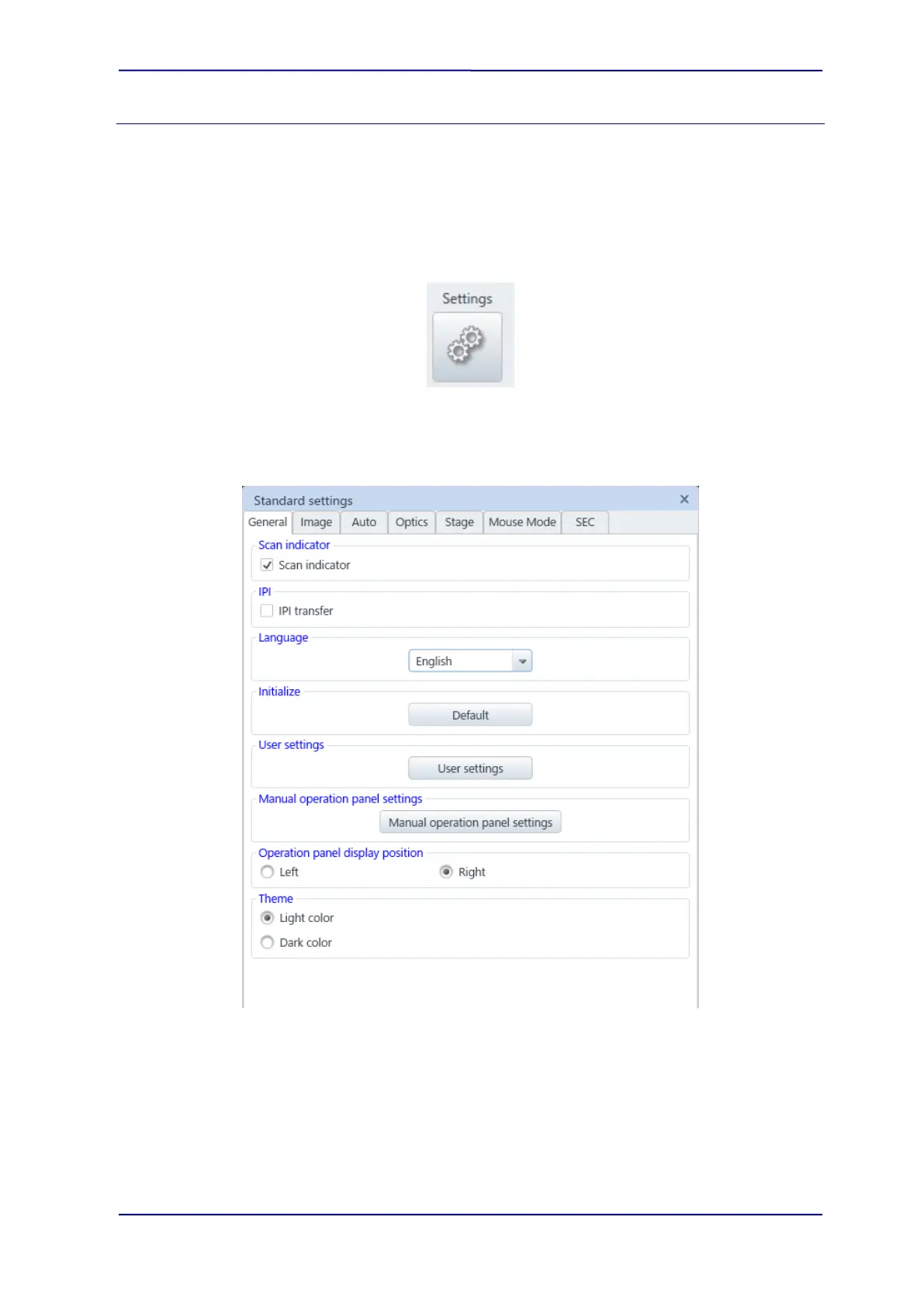
Display the [Standard settings] dialog. The dialog can select from the [Menu]>[Standard
settings] as well.
Operation environment settings or others can be performed in this dialog. The dialog
separated by each function’s tabs. The tab required will be placed in front depending on the
place where it is started up.
(1) General
Set the [General] tab settings.
(a) Scan indicator
When the [Scan indicator] check box is ON, an indicator of scanning position while
observing an image with slow scan (Slow3 to 7) or CS scan (CSS 3 to 7) is moved
from the top to the bottom. The area of image which is upper than the indicator
indicates new scanning image and the area which is lower than the indicator
indicates the previous scanning image.



 To Next Page