2.4 Control panel settings
2-86
(b) IPI
IPI transfer check box
When enabling the IPI transfer check box, transfer to the image processing software
Image-Pro. Check ON the IPI transfer as required.
(c) Language
Japanese and English are available.
When selecting language from the drop down list, a message for restarting the
operation program is appeared. Close the message by clicking the [OK] button and
restart the operation program for applying the selected language. When clicking the
[Cancel] button, the previous language will be applied.
NOTE: Restart the SEM operation program for applying the selected language.
(d) Initialize setting
Return the settings which are set at each tab for each setting dialog to the initial
value when the instrument is installed.
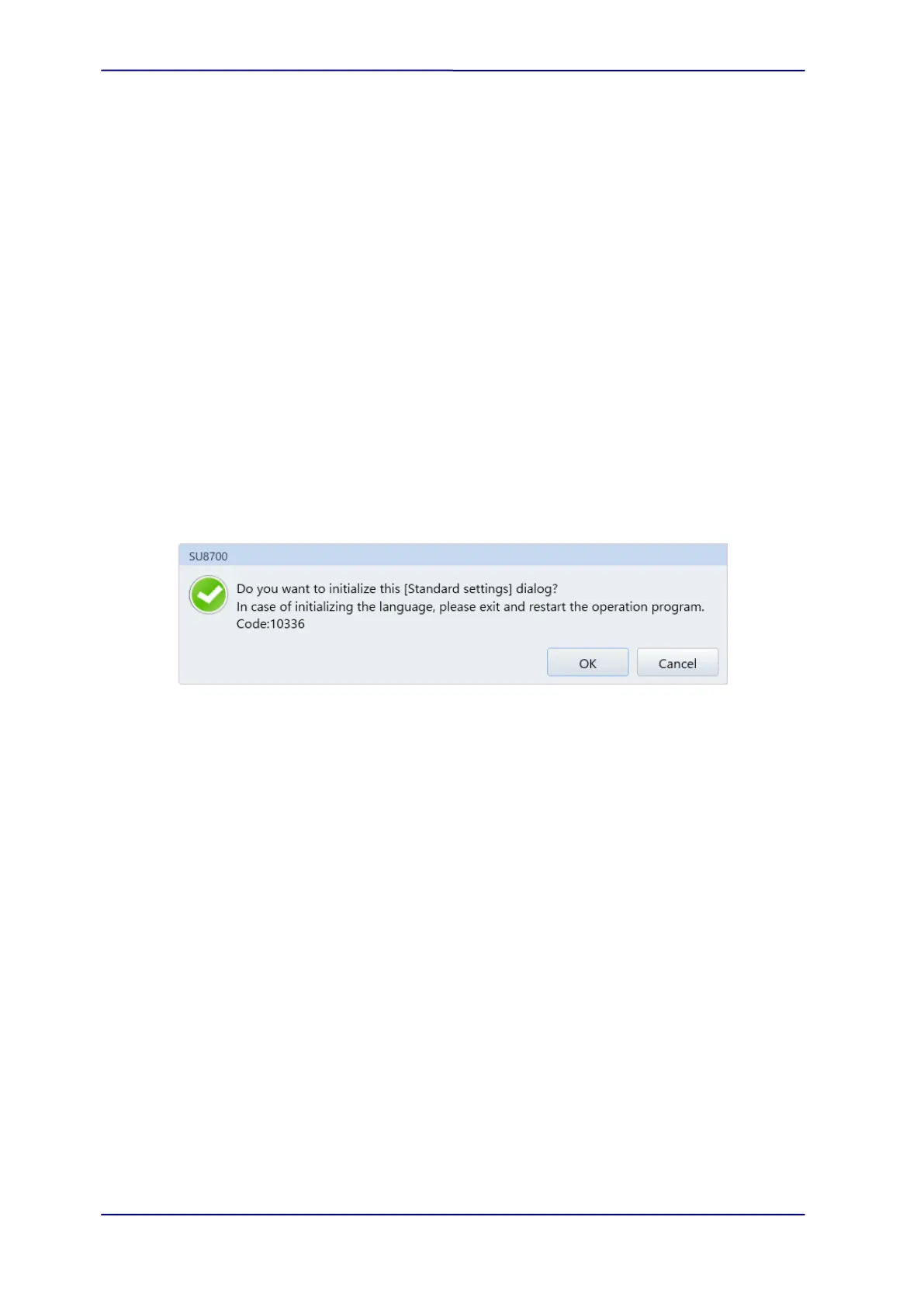
When clicking the [Initialize] button, the following message will be appeared.
Press the [OK] button to initialize the settings.
However, the following setting will not be initialized.
・ [General] tab - [User] settings
・ [General] tab - [External communication] block (Option)
・ [General] tab - [Manual operation panel settings]
・ [Image] tab - [Magnification display switching] block
(e) User settings
Display the [User settings] dialog by clicking the button.
The [User settings] button is displayed when logging-in with system administrator
name (Default is ”SU8700”), and the [Password settings] button is displayed when
logging-in with general username.
(f) Manual operation panel settings
Display the [Manual operation panel settings] dialog by clicking the button.
(g) Operation panel display position
Set the operation panel position at the right/left side of display.
(h) Theme
Light or dark colors are available for UI theme.



 To Next Page