3.6 Observing a specimen
3-48
3.6.3 Controlling the brightness and contrast of an image
The brightness and contrast of image can be controlled automatically or manually.
Generally, control the brightness and contrast of image automatically then, perform fine
control manually.
(1) Auto brightness & contrast control (ABCC)
(a) Perform the brightness & contrast control (AUTO) for all screen displayed for
operating by the [Control panel]>[ABCC]. To perform the ABCC to the selected
screen, click the ABCC button on the [Operation panel]>[Signal].
[Control panel]>[ABCC] ABCC on the [Operation panel]>[Signal]
(b) Manual operation panel
Press and perform the ABCC (AUTO) button at the [BRIGHTNESS] and [CONTRAST]
adjustment knobs on the manual operation panel.
(2) Control the brightness and contrast manually
(a) Operations on the display
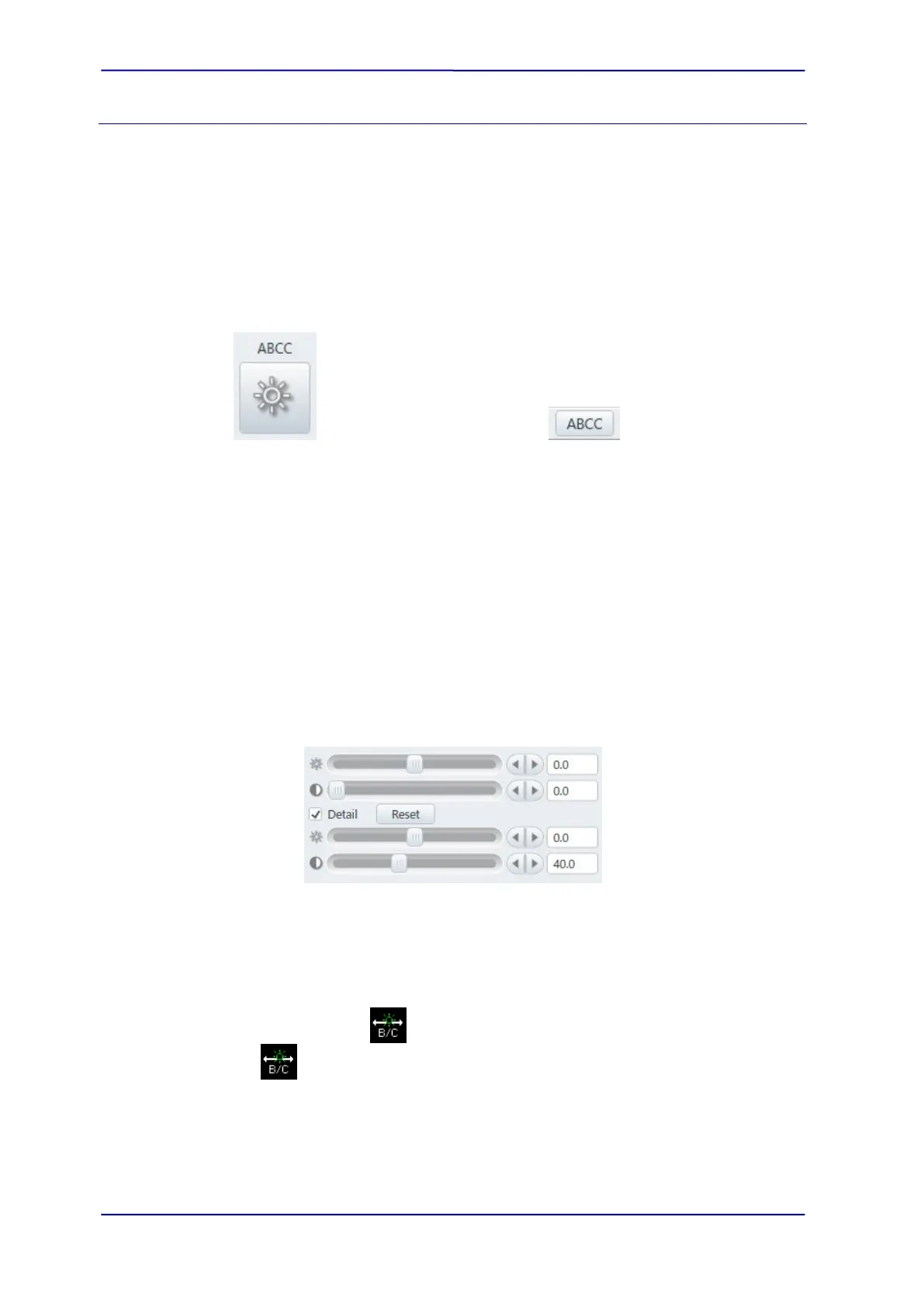
The brightness and contrast for the selected screen (Detector) can be controlled by
the scroll bar that is displaying on the bottom of the [Operation panel]>[Signal] tub.
In addition, the analog brightness and digital contrast correction can be performed
by setting ON the [Detail] check box.
(b) Manual operation panel
The brightness and contrast can be controlled by the [BRIGHTNESS] and
[CONTRAST] knobs on the manual operation panel.
(c) Mouse operation on an image display
When the mouse icon is
, the brightness of image can be changed and when
the icon is
, the contrast of image can be change by left clicking and holding the
mouse on the image and moving to right and left directions.



 To Next Page