3.6 Observing a specimen
3-44
3.6.2 Scan speed setting
Select a scan speed (scanning speed of electron beam) for observing and obtaining an image.
(1) Scan/stop operation
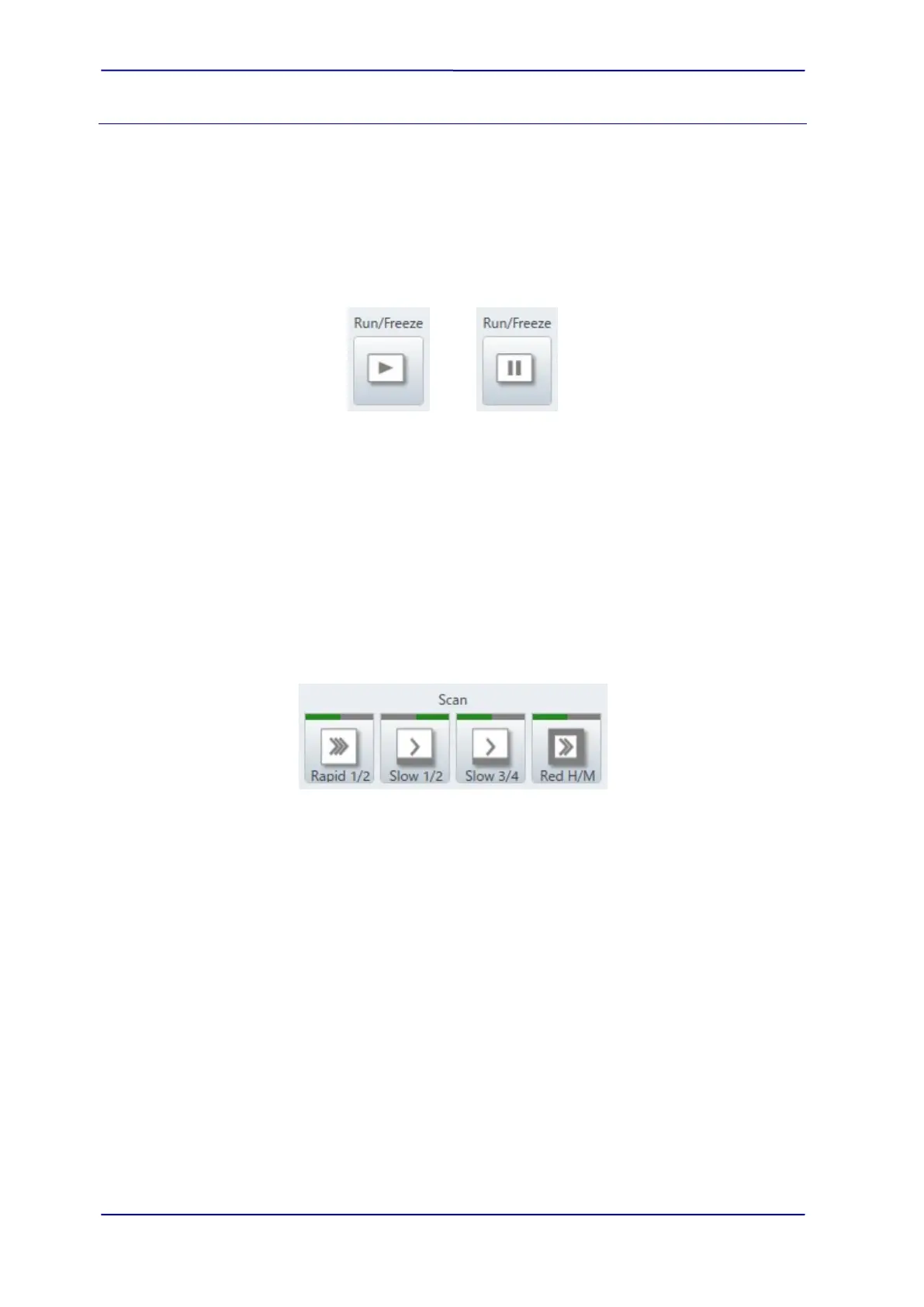
The Scan/Stop operation can be performed by the [Run/Freeze] button.
The [Run/Freeze] button is located at the upper part of the image display.
The [Run/Freeze] button located at the upper part of image display performs the
scan/stop operation.
NOTE: The electron beam irradiates to the specimen when a screen with Run status is
displayed. scanning. Beware of observing a specimen that is easily affected by the
contamination or charging.
(2) Select the scan speed and type
Select the beam scanning method from the Rapid, Fast, CSS, Slow or Reduce for the
[Control panel]>[Scan] or the custom scan for the [Control panel]>[Custom].
The setting of [Control panel]>[Scan] can be selected from the four SCAN SPEED buttons
on the manual operation panel.
The following shows the scan speed types
(a) Rapid scan mode (Rapid1/2)
Select the rapid scan speed for searching a FOV or performing the coarse
adjustment of focusing/astigmatism. In addition, the rapid scan is effective for
observing a specimen that is easily charged-up or unable to observe by the slow
scan. The number of the integration frames can be set on the [Scan button settings]
dialog.
NOTE: In the rapid scan mode, the uniformity of the magnification between the center of
image and the left area of image are deteriorated compared with the slow scan.
Thus, to use the slow scan mode is recommended for the measurement that requires
accuracy.



 To Next Page