2.3 Control panel function
2-66
2.3.24 Observation condition
The observation condition can be loaded by performing the condition setting of electron optics
and axis alignment then, registering the settings.
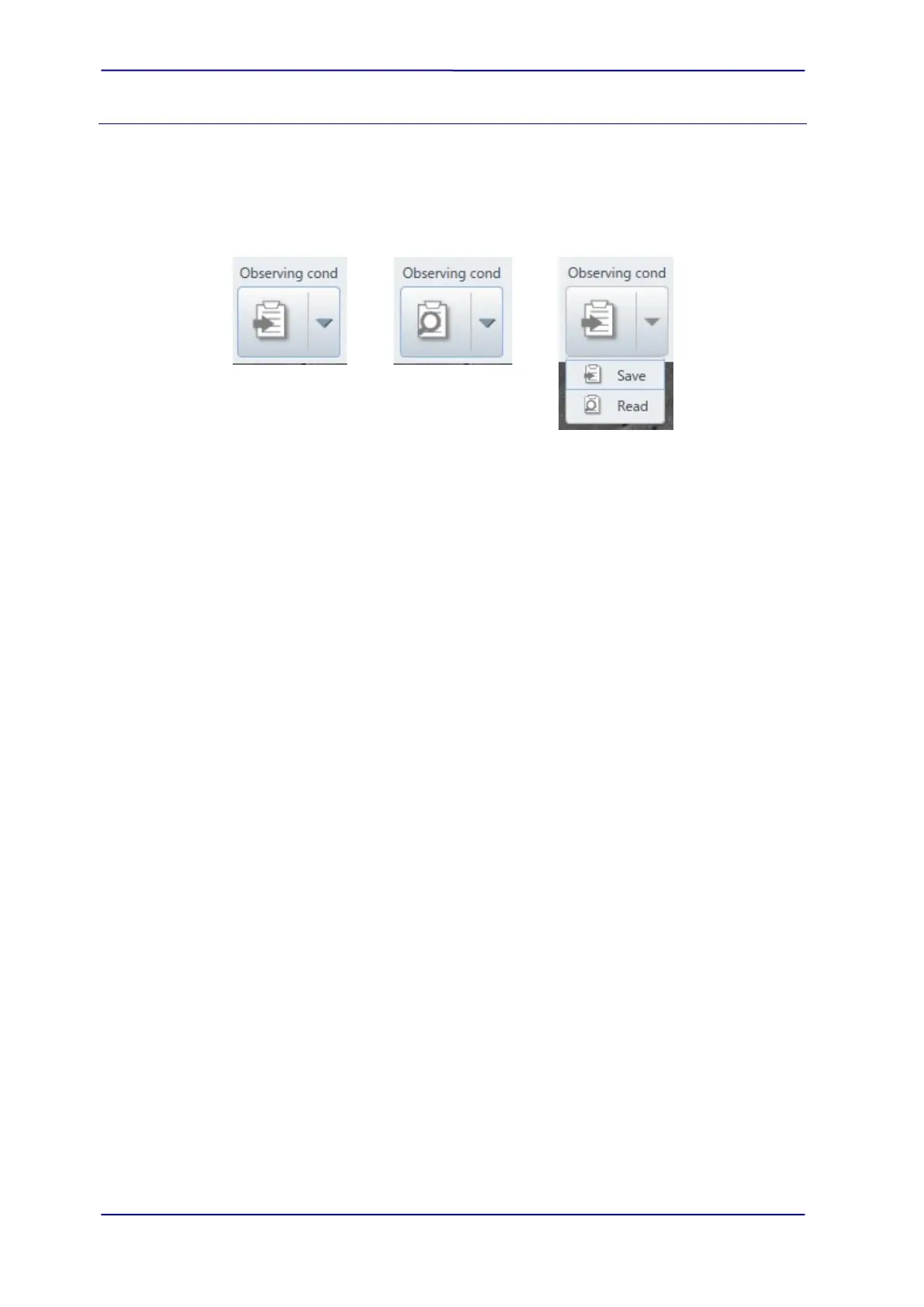
Execute the function that is arranged in the execution button.
Click the split button (▼) and the pull down list is displayed as shown in the below.
(1) Register
Display the [Observation condition_Register] dialog by selecting the [Register] from the
pull down list. The dialog can be displayed from the [Menu]>[Observation]>[Observation
condition_Register] as well. The present observation condition and image are displayed
in the dialog.
Enter a file name into the [Operation condition /File name] text box and enter the
comment as required. Click the [Save] button and the observation condition will be
registered. Cancel the registering conditions by clicking the cancel button.
As a reference, the image for condition registering will be registered. The image which is
still scanning can be registered depending on the condition of clicking the register button
(Right after the scan is switched or high definition capture is performed) , the problem
can be resolved by registering again under the normal scanning condition.



 To Next Page