12
Misc Tab
The touch screen is calibrated at the factory and should not require any adjustments. If the touch screen drifts
due to environmental factors it can be re-calibrated from this menu.
Dashboard
This selection returns you to the operational dash layout.
Data Log
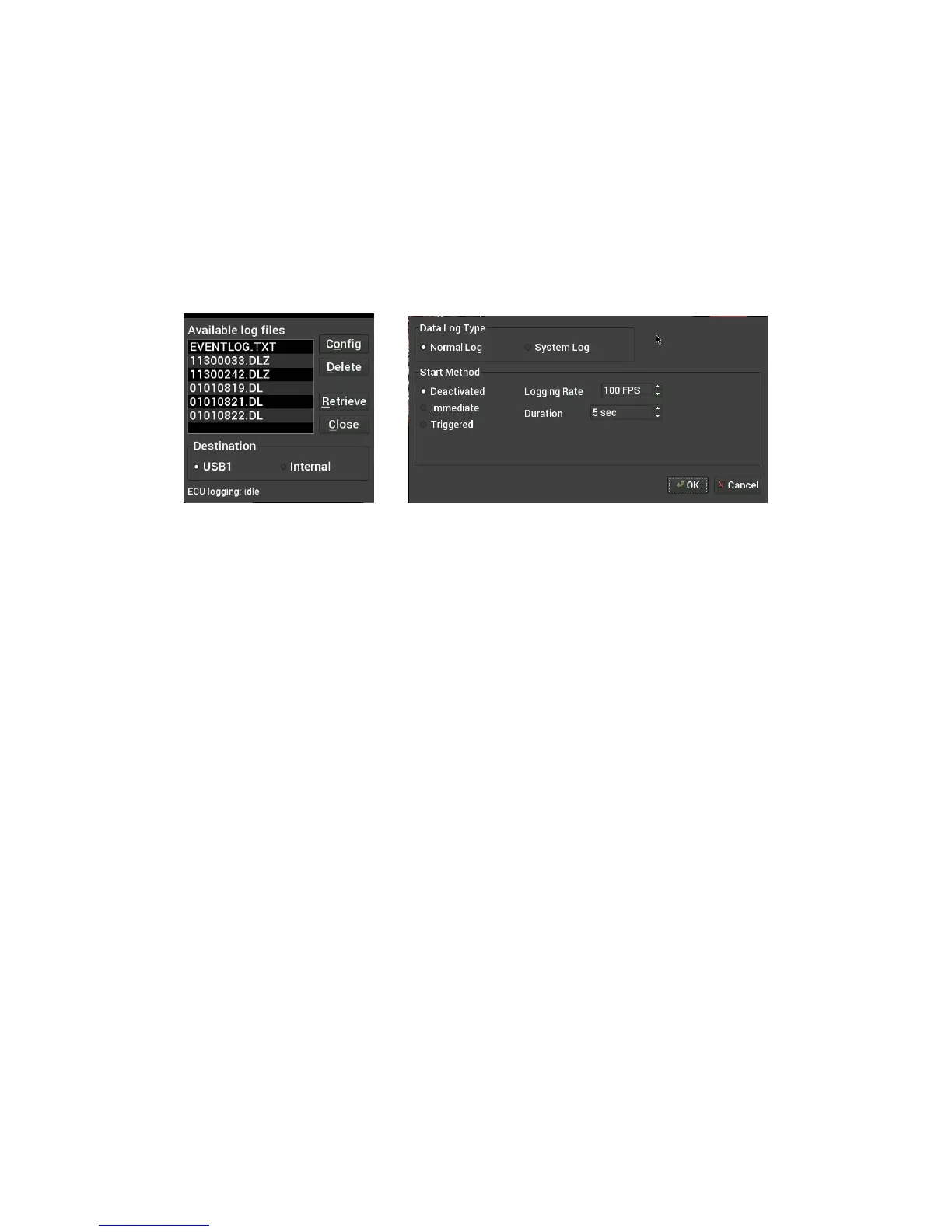
The Holley EFI Digital Dash allows you to retrieve, delete and configure data logging with the attached HEFI.
Data logs can be saved internally or to a USB memory stick for viewing on a computer.
Utilities
The utilities menu is described later on in the manual.
Customize
Select this button to enter gauge customization mode. These functions are covered later on in the manual.
Customizing Your Layout
Choosing ‘Customize’ from the Main Menu enables the gauge customization mode. Entering this mode will
allow any of the preconfigured layouts to be modified, or one may be built from scratch.
Gauges can have independent warnings and ranges set, even if they are connected to the same monitored
value.
Import/Export
The import function will load any saved gauge layout (.ini file) to the active screen. The export function will
allow any gauge layout to be saved internally or to a USB Memory Stick. Preconfigured layout examples and
filenames are outlined later in this manual.
Starting from a Blank Layout
To begin building a custom layout from a blank template, touch any bare area of the background.
Choose Layout > Import > Clear










 To Next Page