33
USB Flash Drive Removal
If a USB Flash drive is plugged into one of the USB ports on the Digital Dash, an eject button will appear in the
lower right corner of the dashboard on-screen menu. This ensures that all files are closed on the USB drive
allowing a safe removal.
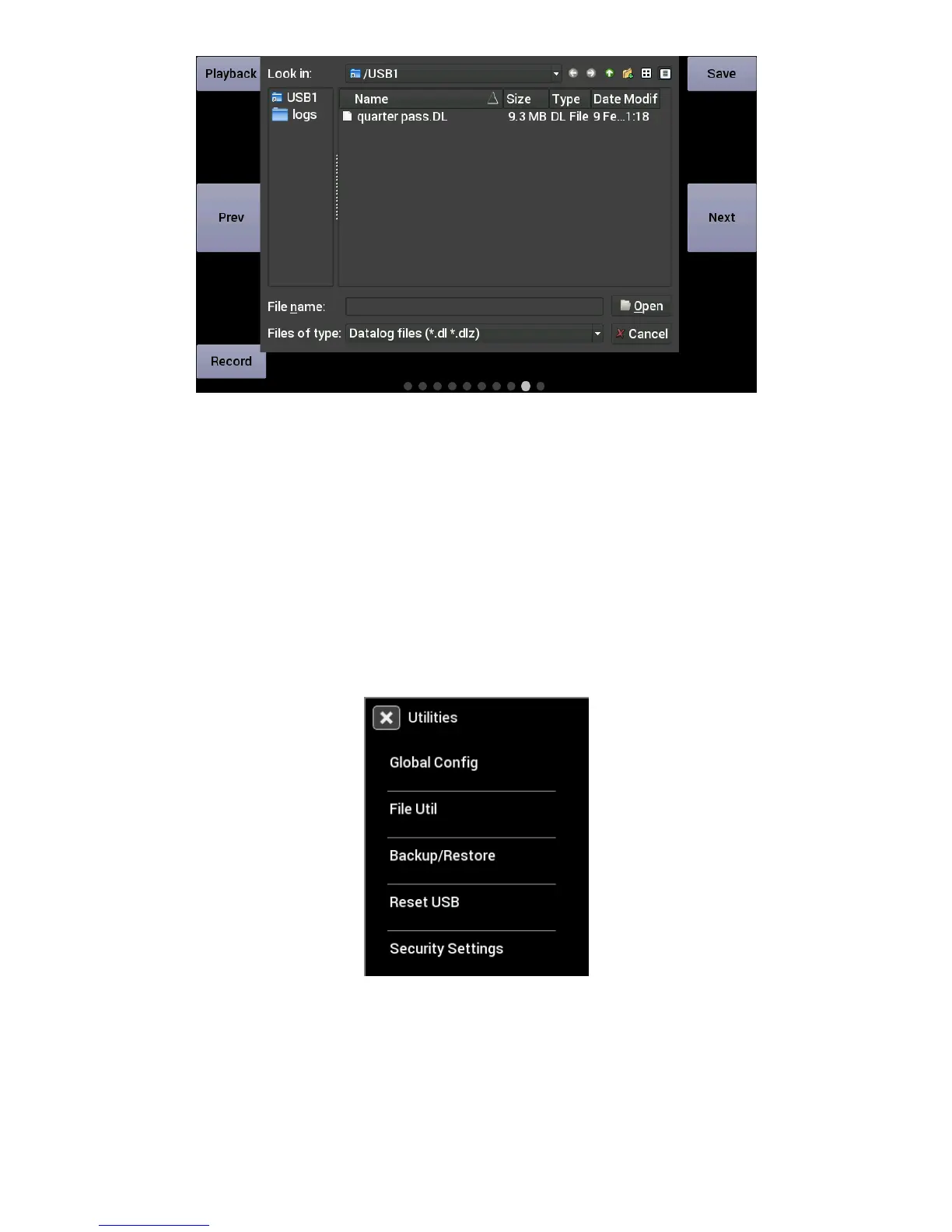
Utilities Menu
From the utilities menu, you can upload/download global EFI configurations, access file utilities, backup/restore
the dash configuration, and adjust security settings. Press on the ‘X’ at the top left corner to return to the main
menu.
Global Config
A global configuration contains the complete configuration of a Holley EFI in a single .hefi file. The Dash can
upload and download global configs to the connect EFI.










 To Next Page