39
Graph Editor
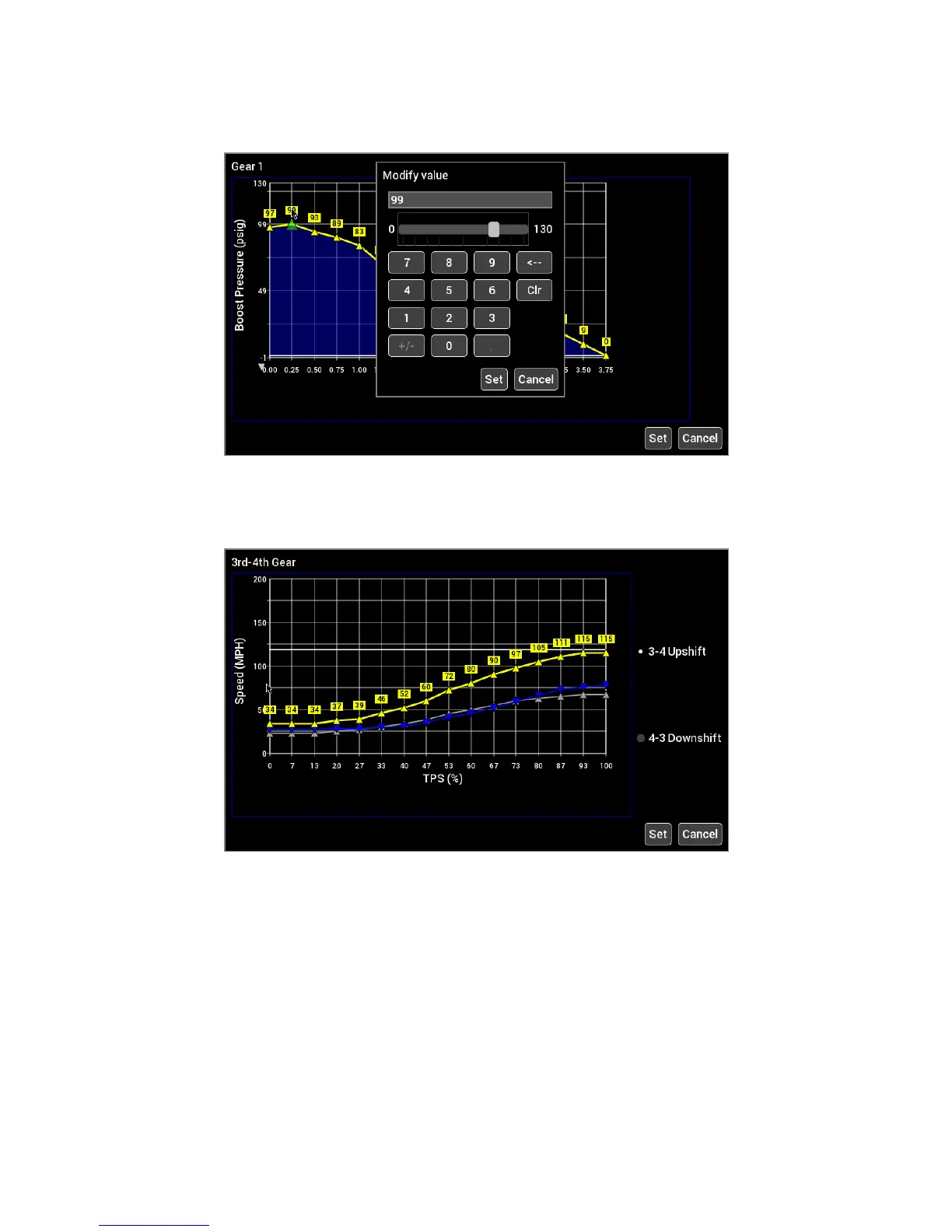
Parameters that are graphical will bring up the graph editor. Graphs can be edited by selecting a point and
dragging it up and down, or by clicking on the yellow value box near the point you wish to edit.
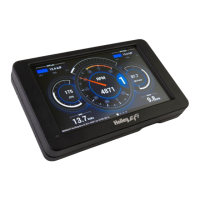
Multi-series graphs have a selection on the right hand side to select the series you are editing. The series that
can be edited is shown in yellow. In the example below, 3-4 Upshift is selected.











 To Next Page