21
Peak Hold
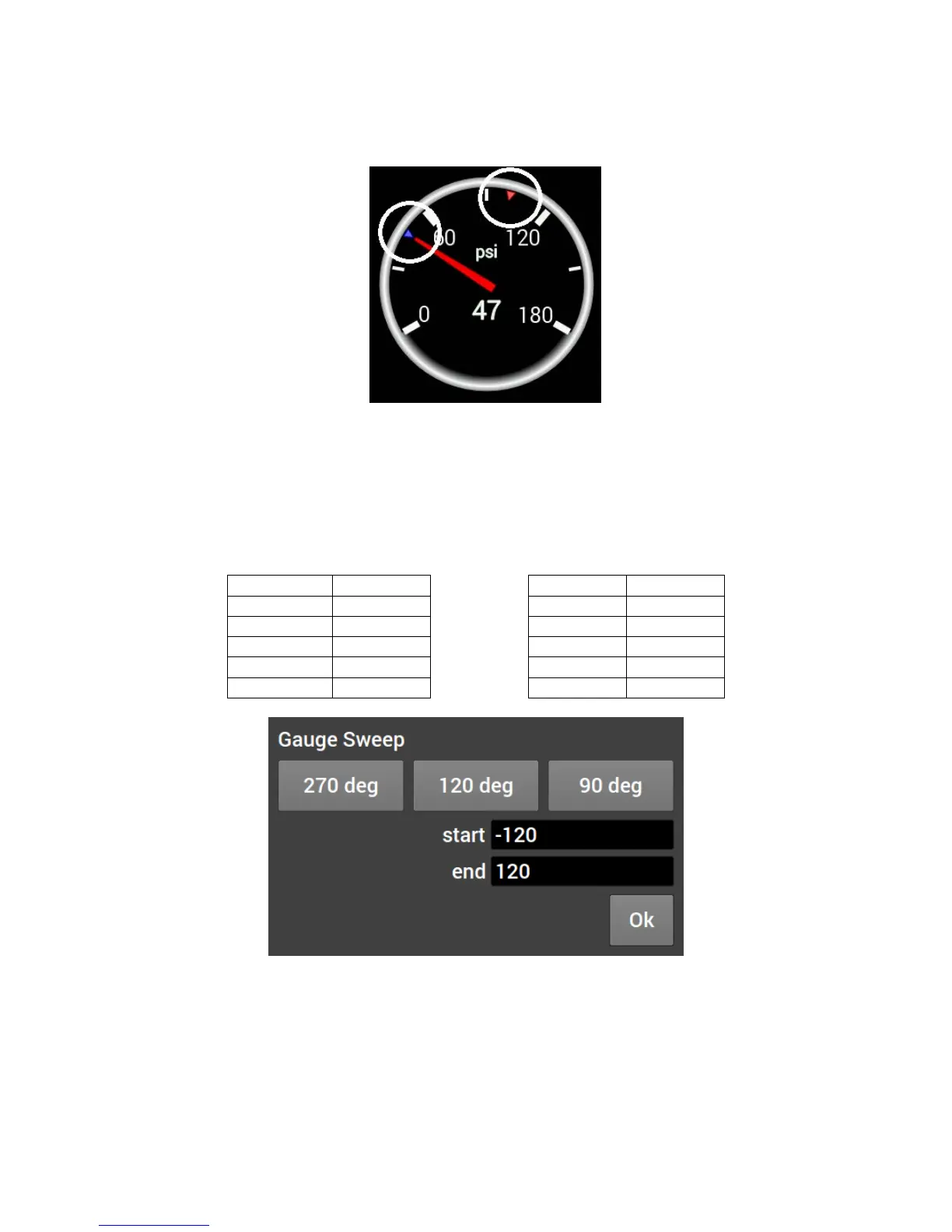
Enabling the Peak Hold features will place a marker at the highest and/or lowest value for quick viewing. This
feature is similar to the traditional ‘Tattletale’ Tachometers. The minimum peak is shown with a blue triangle,
and the maximum peak is a red triangle.
Gauge Sweep
Users can configure the sweep angle of Analog and Thin Analog gauges. These values are in degrees.
Positive values are in a clockwise direction and negative values are in a counter-clockwise direction. There
are three buttons that will set the sweep to a standard 270 degree, 120 degree, or 90 degree gauge. View
examples below.










 To Next Page