OPERATION OF THE SOFTWARE MENU
4.10
Imager Duo Operator’s Manual
separately from the Server. Contact Hologic Technical Support if the internal
Server database must be restored, as service support will be required.
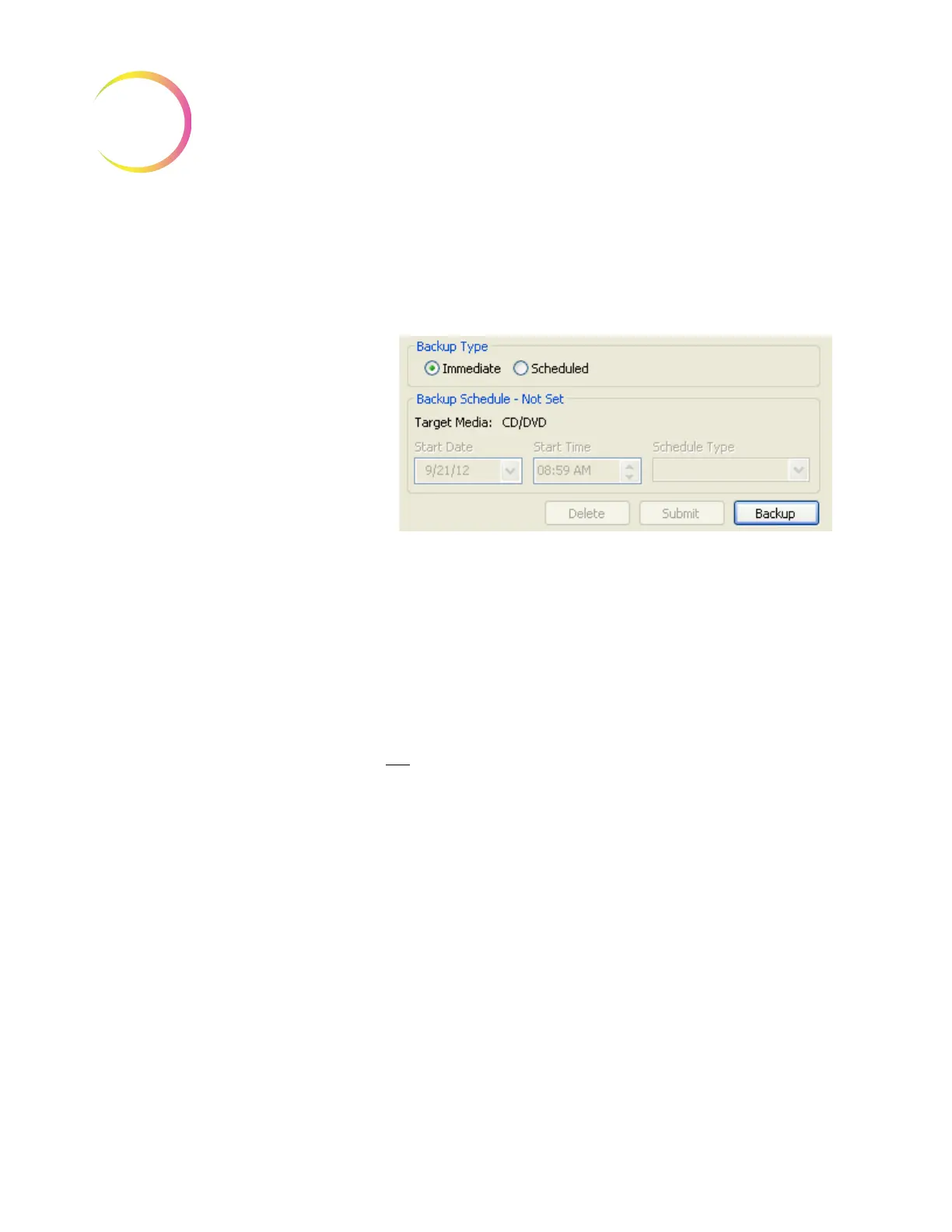
Select the type of media to write (see above) and place it on the Server. Click on
the
Backup
button to begin the backup. See Figure 4-14.
Figure 4-14 Immediate Backup
Backup Type - Scheduled
Scheduled backups are selected to occur at a future date and time and can be
scheduled to recur daily, weekly, monthly or on a one-time basis. The schedule
will remain even if the system is turned off and on. The selected media must be
placed in the Server ahead of time. See Figure 4-15.
Note:
If monthly backup is selected, do not pick a date at the end of the month
that may not
occur in other months: the 29th, 30th, 31st.
Immediate
Backup is
selected.
The type of
media has been
selected
Click on
Backup
button to begin












 To Next Page