EXCEL 50 MMI - USER GUIDE
EN2B-0222GE51 R0216 38
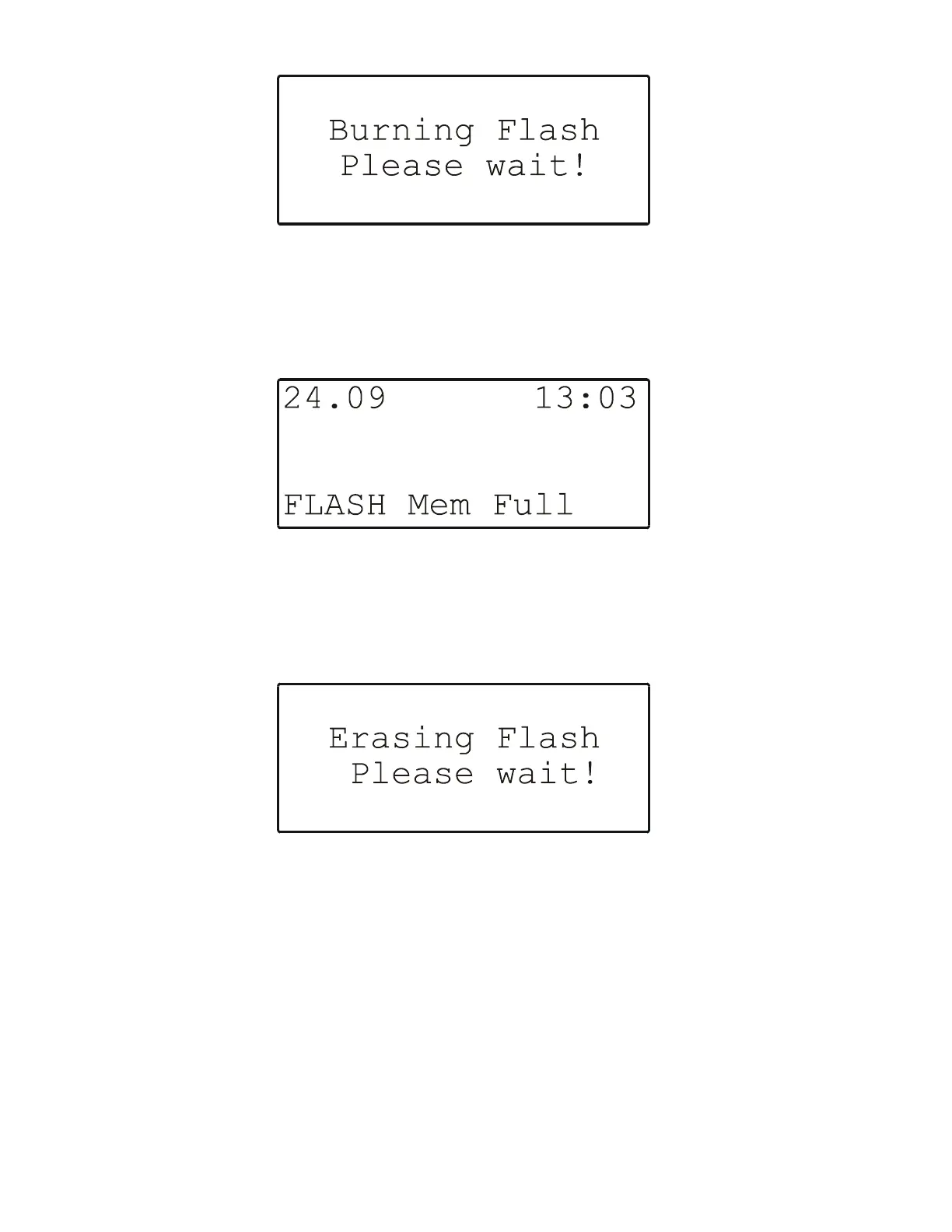
Fig. 54. Burning Flash
If, however, the Flash memory is full, a screen with a corresponding message
(and also displaying the date and clock-time) will appear (see Fig. 55).
Fig. 55. Flash memory full
Erasing the Flash Memory
If "Erase Flash" is selected, the following screen will appear (see Fig. 56).
Fig. 56. Erasing the flash memory
Showing the Application
If "Show Applic." is selected, the following screen will appear (see Fig. 57).


 To Next Page
 Loading...