EXCEL 50 MMI - USER GUIDE
EN2B-0222GE51 R0216 42
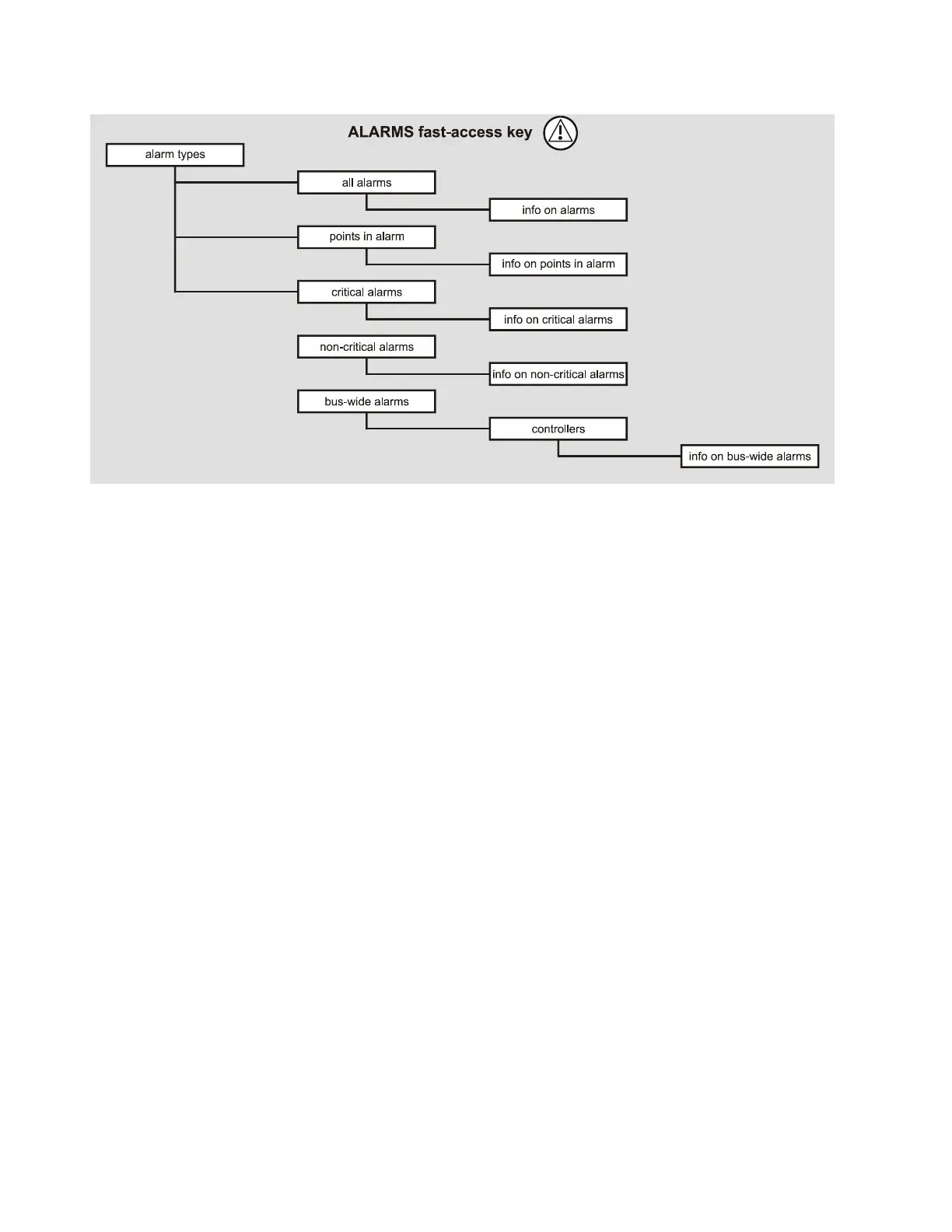
THE ALARMS FAST-ACCESS KEY
Fig. 61. The ALARMS fast-access key
Pressing the ALARMS fast-access key displays the main alarm menu screen to
enable selection of the following:
alarm buffer
points in alarm
critical alarms
non-critical alarms.
Alarm Buffer
The last 99 alarms are stored in the alarm buffer. Typical alarm information
includes:
Date and time the alarm occurred
Name of the data-point in alarm
Value/state of the data-point in alarm
Alarm text, e.g. MIN1 alarm.
When the alarm memory capacity is exceeded, the first alarm is overwritten.
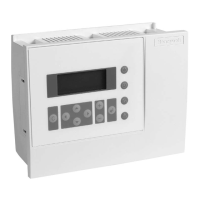
Alarms are organized on a first in, first out basis. The contents of the alarm buffer
can be displayed on the Excel 50 MMI.


 To Next Page
 Loading...