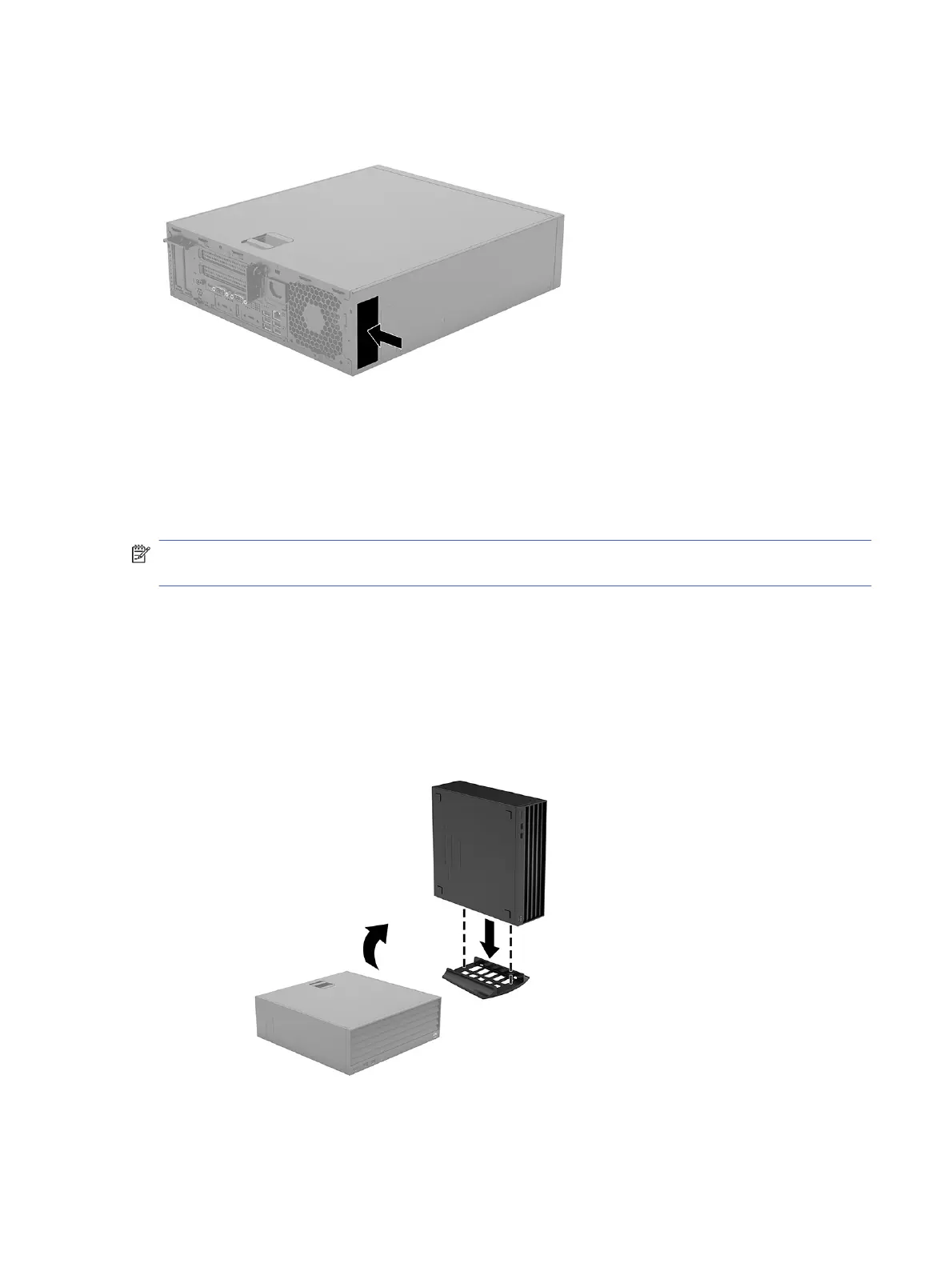
Changing from desktop to tower orientation
You can use the computer in a tower orientation with an optional tower stand that you can purchase
from HP.
NOTE: To stabilize the computer in a tower orientation, HP recommends the use of the optional tower
stand.
1. Remove or disengage any security devices that prohibit opening the computer.
2. Remove all removable media, such as compact discs and USB flash drives, from the computer.
3. Turn off the computer properly through the operating system, and turn off any external devices.
4. Disconnect the power cord from the AC outlet and disconnect any external devices.
5. Position the computer so that its right side faces up, and place the computer in the optional stand.
Changing from desktop to tower orientation
5



 To Next Page