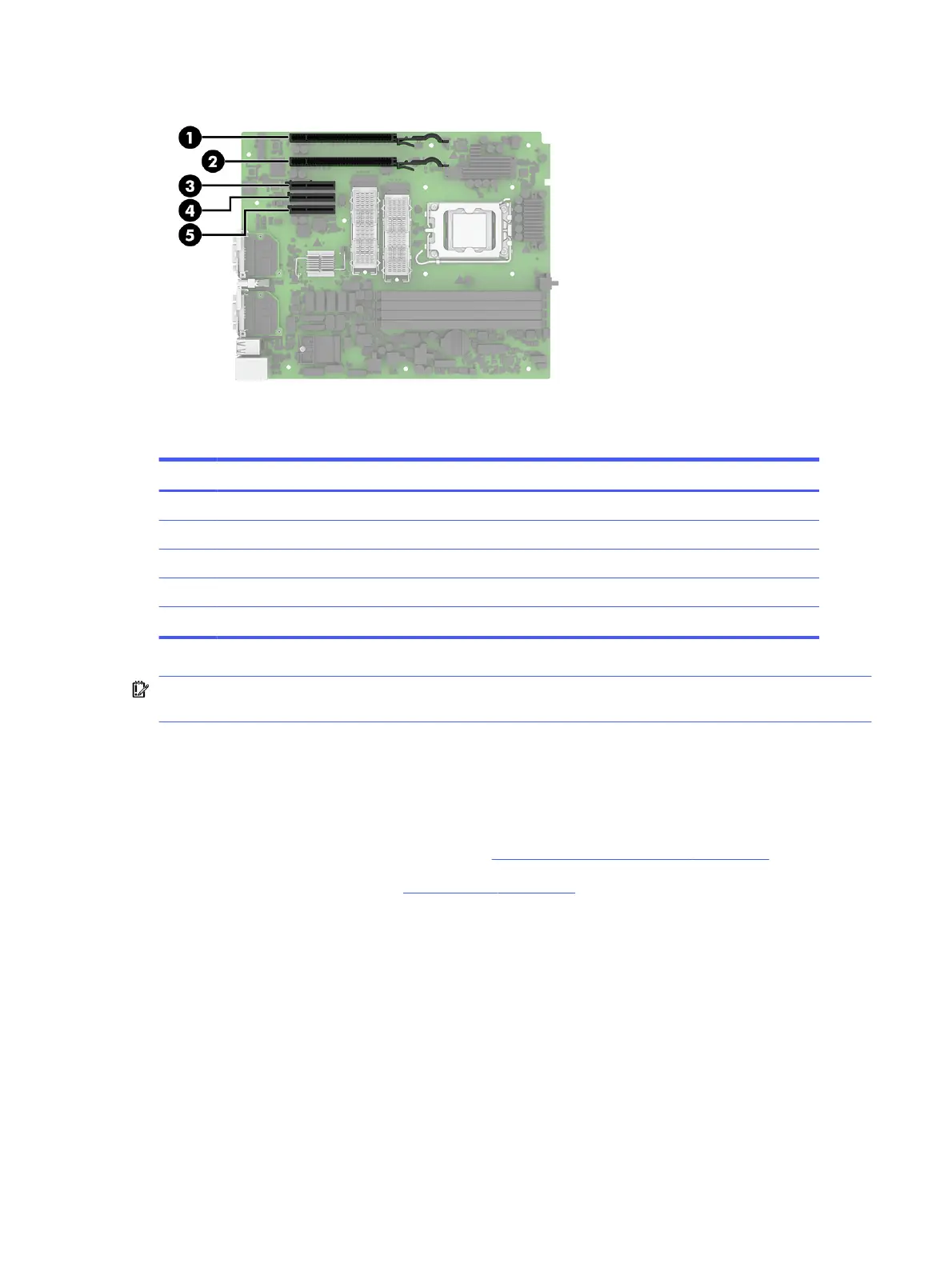
Table 4-3 Expansion slot locations
Item Expansion slot
(1) PCI Express ×16
(2) PCI Express ×4
(3) PCI Express ×2
(4) Riser card slot
(5) PCI Express ×2
IMPORTANT: The riser card expansion slot is specifically designed for the riser card for this product
only. Do not attempt to plug any other type of card into this slot.
Expansion cards
To remove expansion cards, use these procedures and illustrations.
Before removing the expansion cards, follow these steps:
1. Prepare the computer for disassembly (see Preparation for disassembly on page 20).
2. Remove the access panel (see Access panel on page 21).
Remove the expansion cards:
Expansion cards
31



 To Next Page