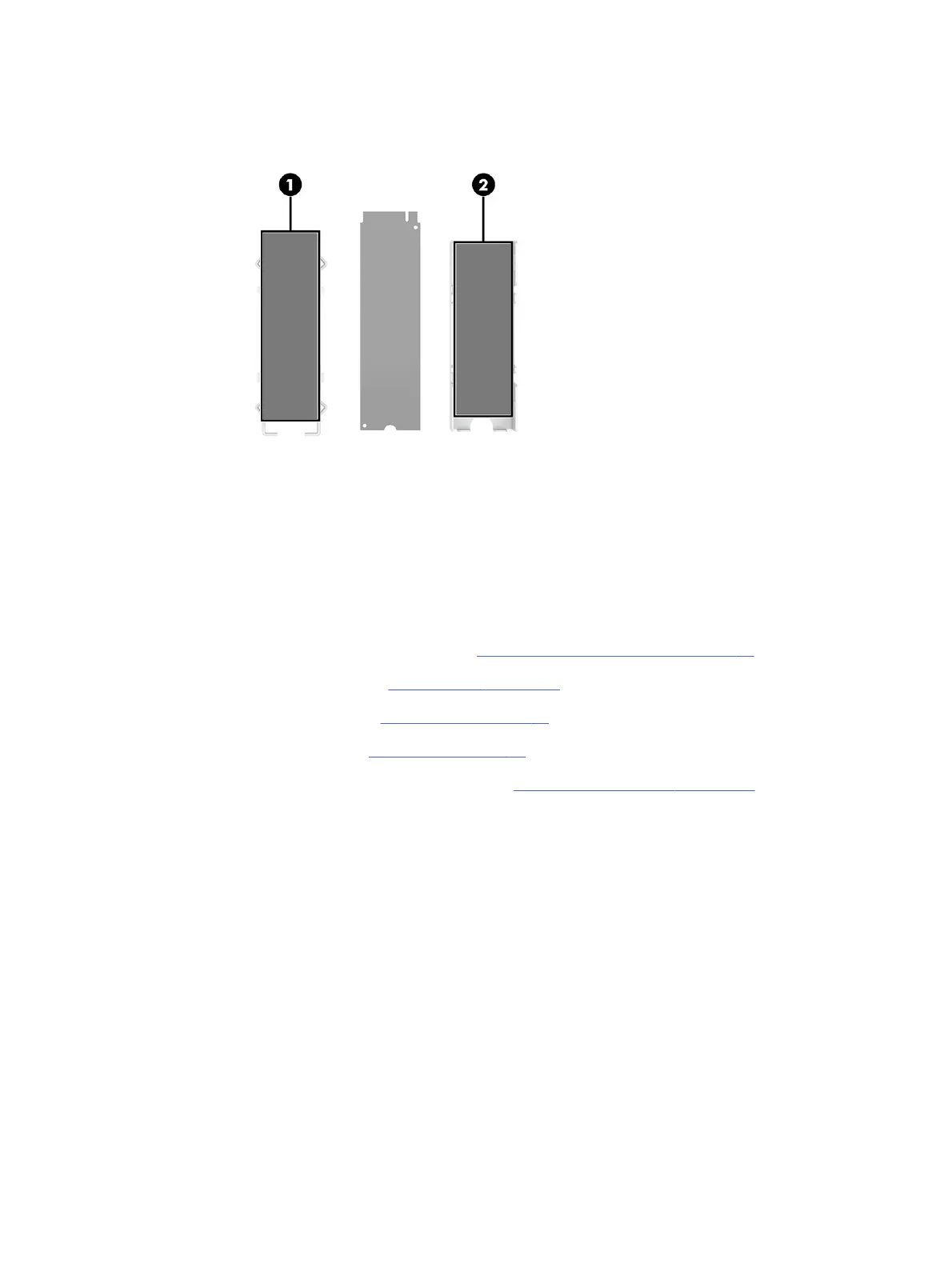
6. When installing a solid-state drive, be sure thermal pads are installed on the bottom of the heat sink
(1) and the inside of the bracket (2).
To install the solid-state drive, reverse the removal procedure.
Front I/O assembly
To remove the front I/O assembly, use these procedures and illustrations.
Before removing the front I/O assembly, follow these steps:
1. Prepare the computer for disassembly (see Preparation for disassembly on page 20).
2. Remove the access panel (see Access panel on page 21).
3. Remove the optical drive (see Optical drive on page 23).
4. Remove the front bezel (see Front bezel on page 23).
5. Rotate the drive cage to the upright position (see Rotating the drive cage on page 26).
Remove the front I/O assembly:
40
Chapter 4 Removal and replacement procedures



 To Next Page