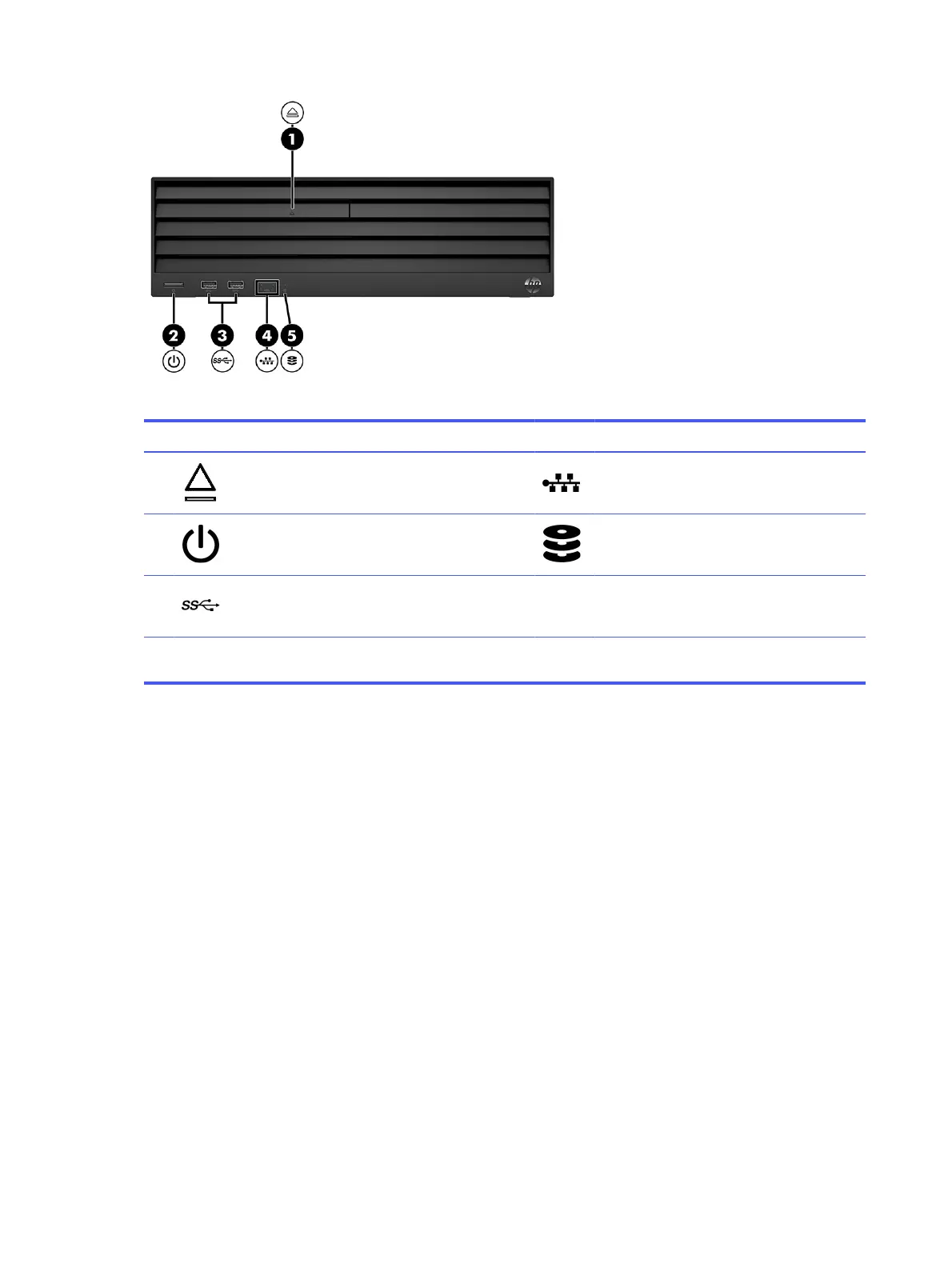
Table 1-1 Identifying the front panel components
Front panel components
1 Optical drive with eject button (optional) 4 Network interface card activity lights (2)
2 Power button 5 Drive light
3 USB 5 Gbps ports (2)
NOTE: The light on the power button is normally white when the power is on. If the light blinks red, the computer displays a
diagnostic code to indicate a problem.
Rear panel components
To identify the rear panel components, use this illustration and table.
2
Chapter 1 Computer features



 To Next Page