Computer features1
This chapter provides you with an overview of your computer's features.
Standard configuration features
Features vary depending on the model. For support assistance and to learn more about the hardware
and software installed on your computer model, run the HP Support Assistant utility.
NOTE: You can use this computer model in a tower orientation or a desktop orientation.
See Changing from desktop to tower orientation on page 5.
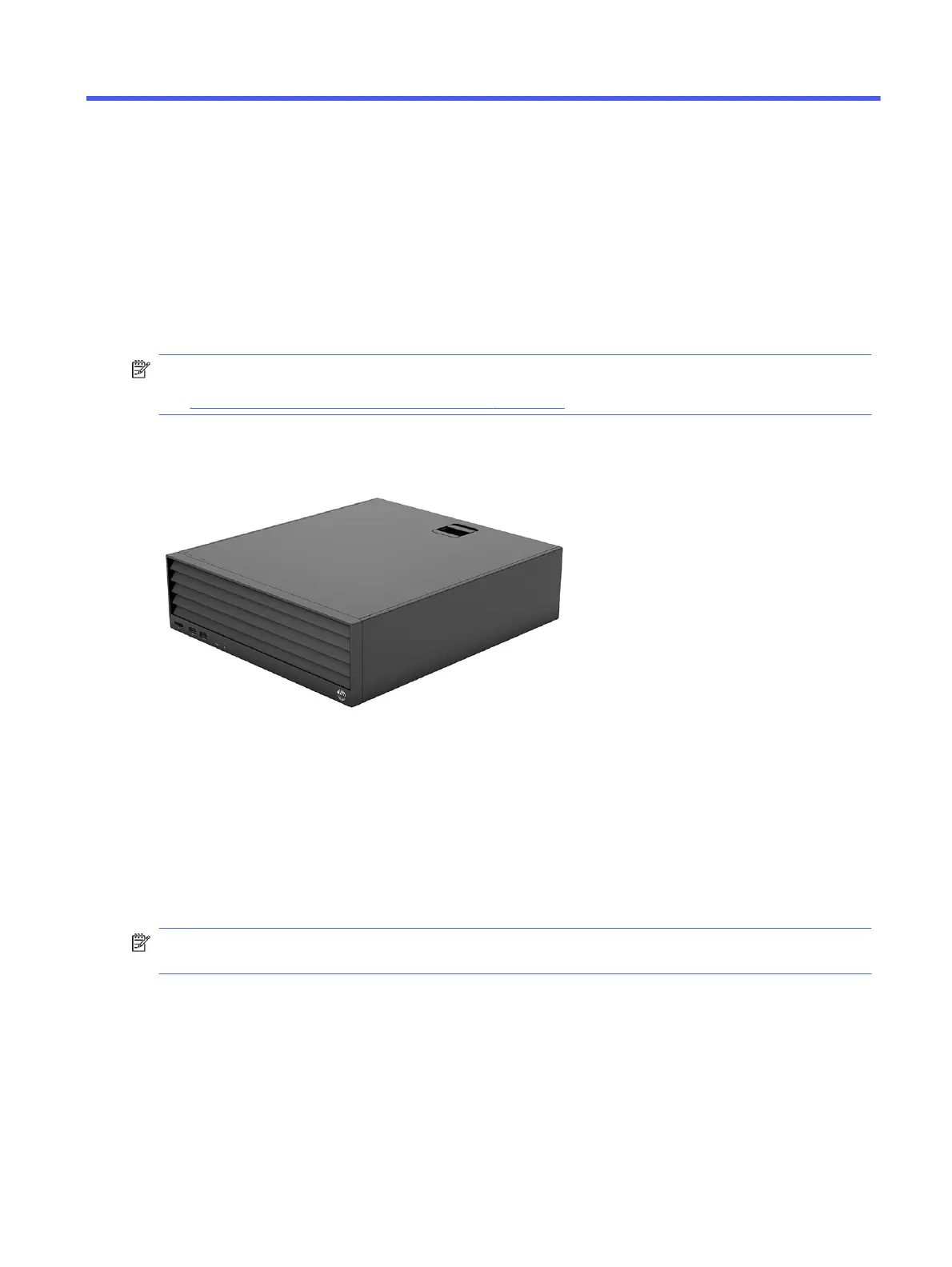
HP Engage Flex Pro G2
This section provides you with an overview of your computer's features.
Front panel components
To identify the front panel components, use this illustration and table.
NOTE: Drive configuration varies by model. Some models have a bezel blank that covers one or more
drive bays.
Computer features
1



 To Next Page