Table 1-2 Identifying the rear panel components (continued)
Rear panel components
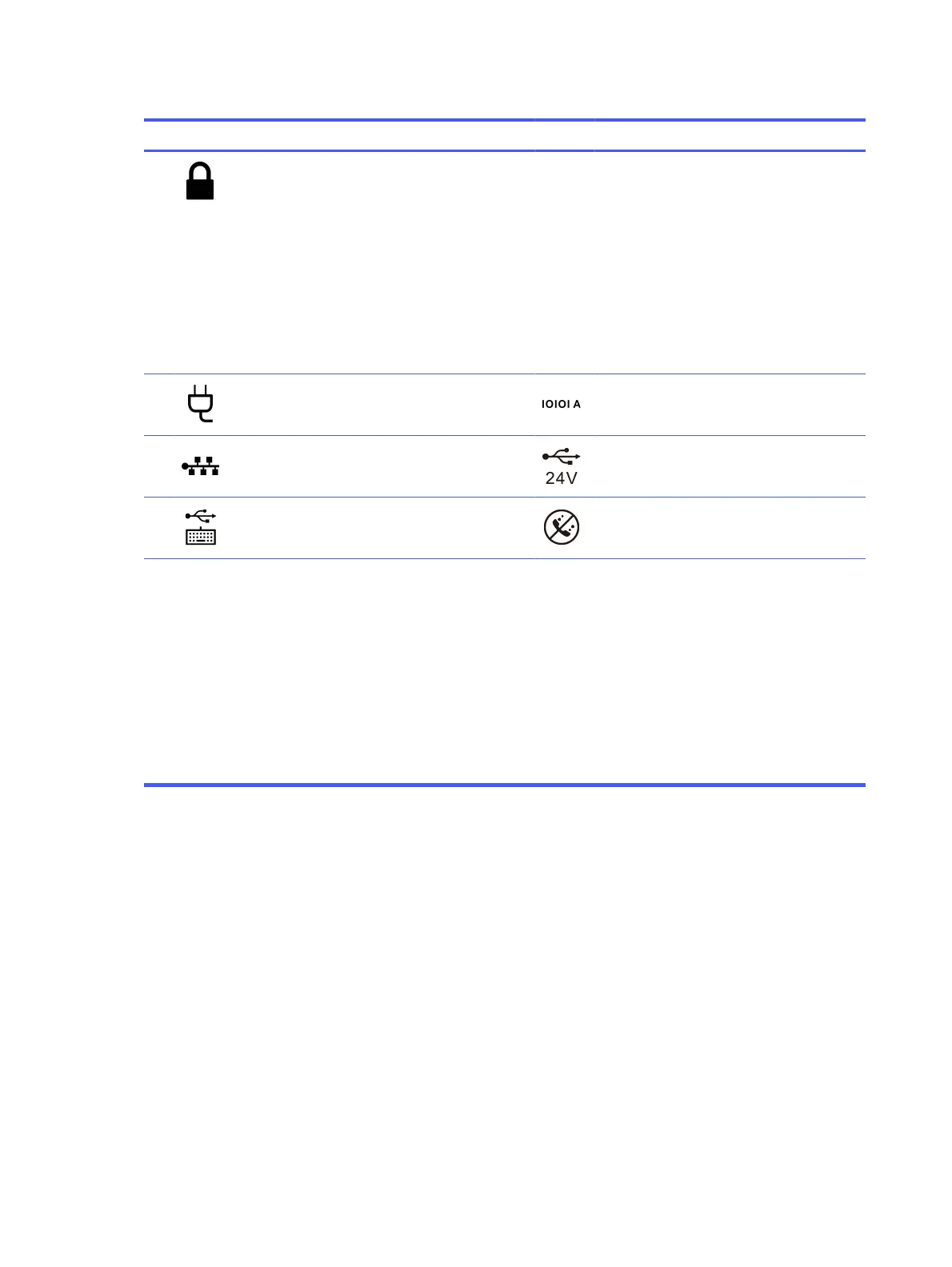
6 Security cable slot 15 Flex Port 1
● USB Type-C 27 W power delivery port
(shown)
● Serial port
● DisplayPort connector
● HDMI port
● 2nd network port
● VGA port
7 Power connector 16 Serial port (optional)
8 RJ-45 (network) jack/status lights 17 USB port, 24 V (optional)
9 USB keyboard port 18 USB standard duty (cash drawer) port
(optional)
* If you received an external antenna with your configuration, connect it to the rear panel ports. The recommended distance is
40 cm from the computer.
NOTE: The combo jack supports headphones, line output devices, microphones, line input devices, or CTIA-style headsets.
NOTE: Your model might have additional optional ports available from HP.
When a graphics card is installed in one of the system board slots, you can use the video connectors on the graphics card or
the integrated graphics on the system board. The specific graphics card installed and software configuration determine the
behavior.
You can disable the system board graphics by changing settings in the Computer Setup (F10) Utility.
NOTE: To access the Computer Setup (F10) Utility, restart the computer and press the F10 key as soon as the HP logo screen is
displayed, before the computer boots to the operating system.
Serial number location
Each computer has a unique serial number and a product ID number that are located on the exterior of
the computer. Keep these numbers available when contacting customer service for assistance.
4
Chapter 1 Computer features



 To Next Page