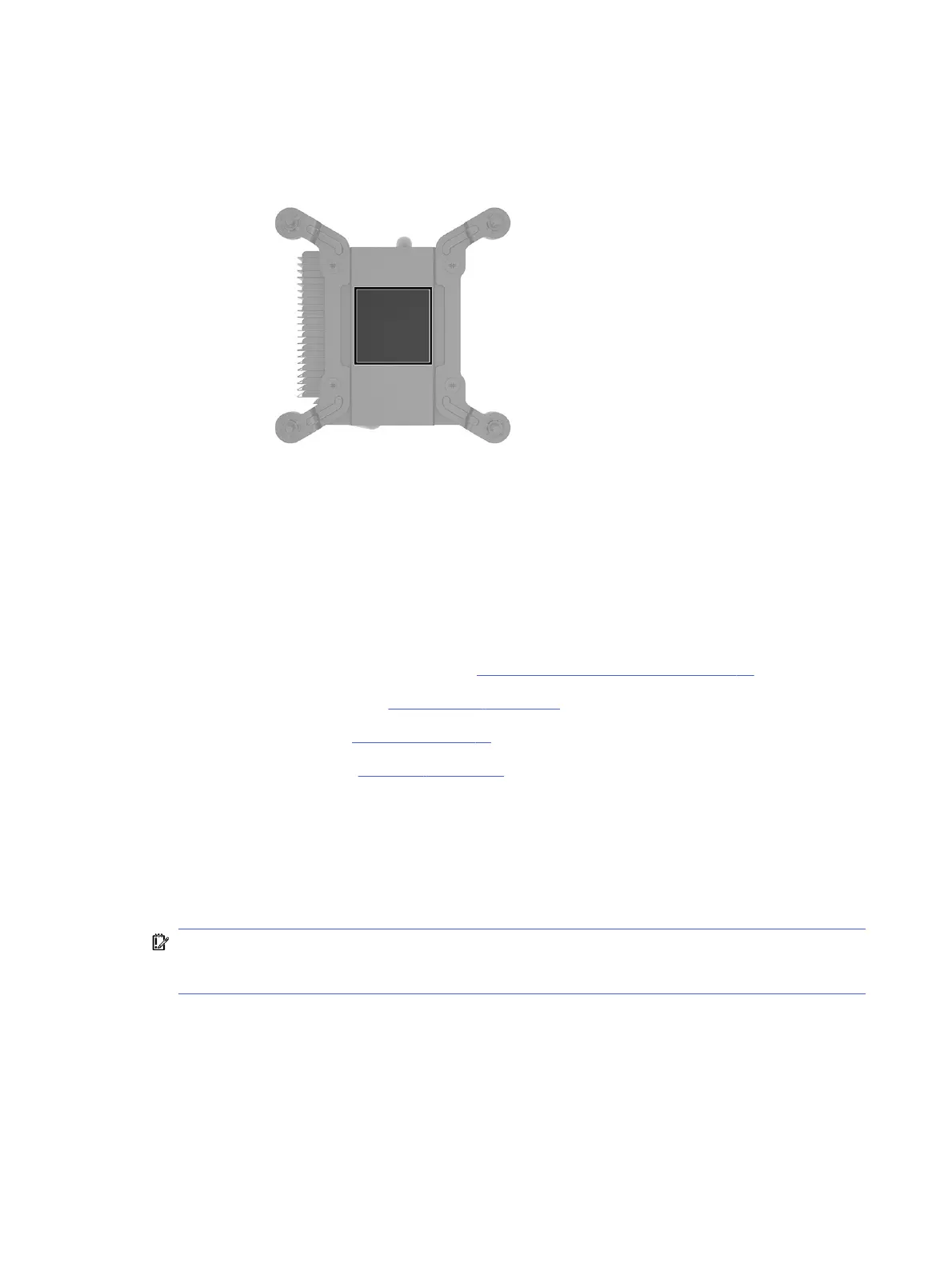
3. Thoroughly clean and replace the thermal grease from the surfaces on the system board and heat
sink each time the heat sink is removed. Be sure that thermal grease is installed on the heat sink as
shown in the following illustration.
To install the heat sink, reverse the removal procedures.
Processor
To remove the processor, use these procedures.
Before removing the processor, follow these steps:
1. Prepare the computer for disassembly (see Preparation for disassembly on page 20).
2. Remove the access panel (see Access panel on page 21).
3. Remove the fan duct (see Fan duct on page 47).
4. Remove the heat sink (see Heat sink on page 49).
Remove the processor:
1. Pull the locking lever (1) away from the processor, and then rotate the lever to its full open position.
2. Raise and rotate the microprocessor retainer (2) to its fully open position.
3. Carefully lift the processor (3) from the socket.
IMPORTANT: Do not handle the pins in the processor socket. These pins are fragile, and handling
them could cause irreparable damage. If pins are damaged, you might have to replace the system
board.
50
Chapter 4 Removal and replacement procedures



 To Next Page