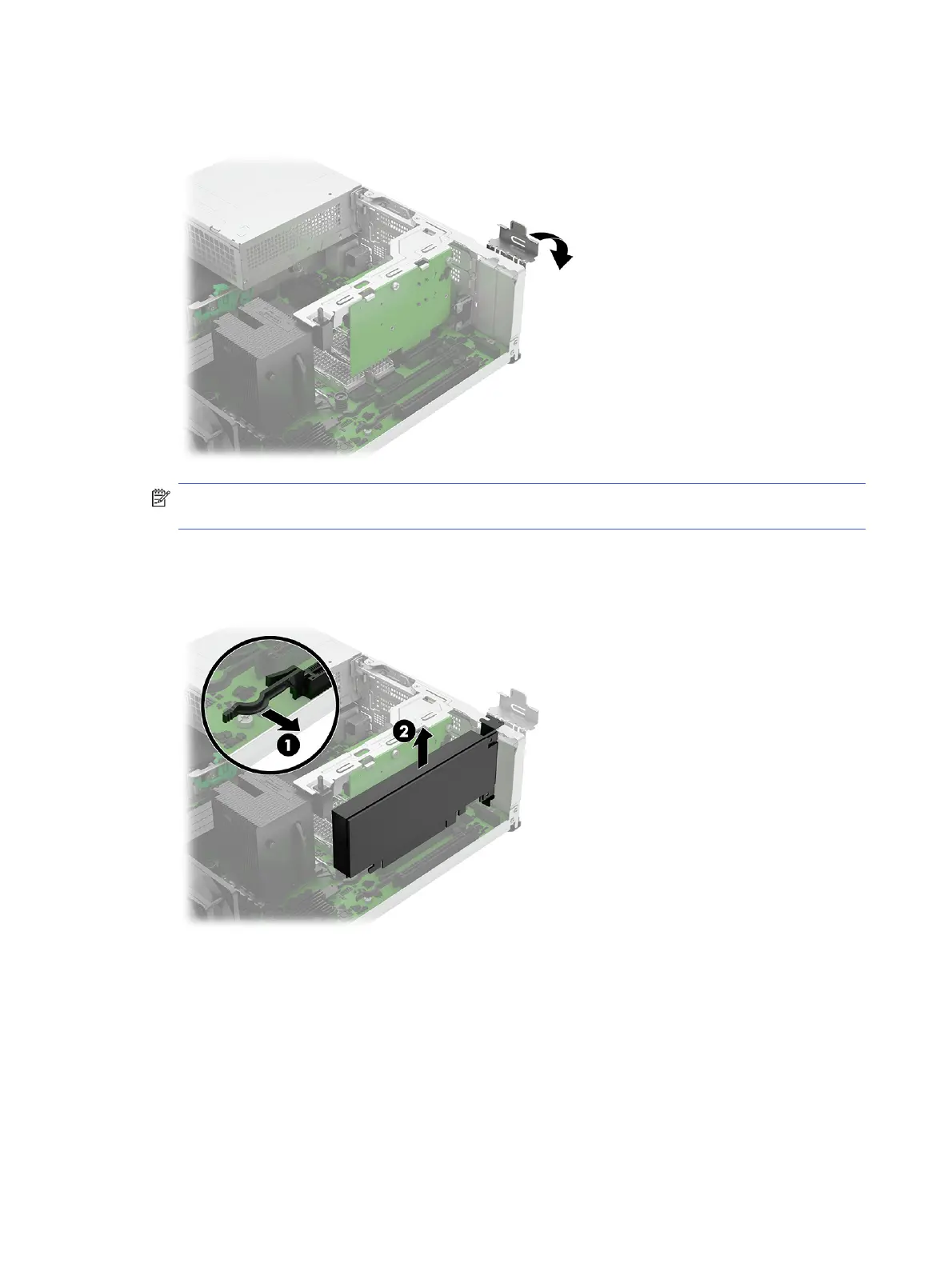
1. Release the slot cover retention latch that secures the slot covers by lifting the green tab on the
latch and rotating the latch to the open position.
NOTE: Before removing an installed expansion card, disconnect any cables that may be attached
to the expansion card.
2. To remove a PCIe card, pull the release arm (1), and then pull the expansion card (2) straight up and
then away from the inside of the chassis to release it from the chassis frame. Be sure not to scrape
the card against other components.
32
Chapter 4 Removal and replacement procedures



 To Next Page