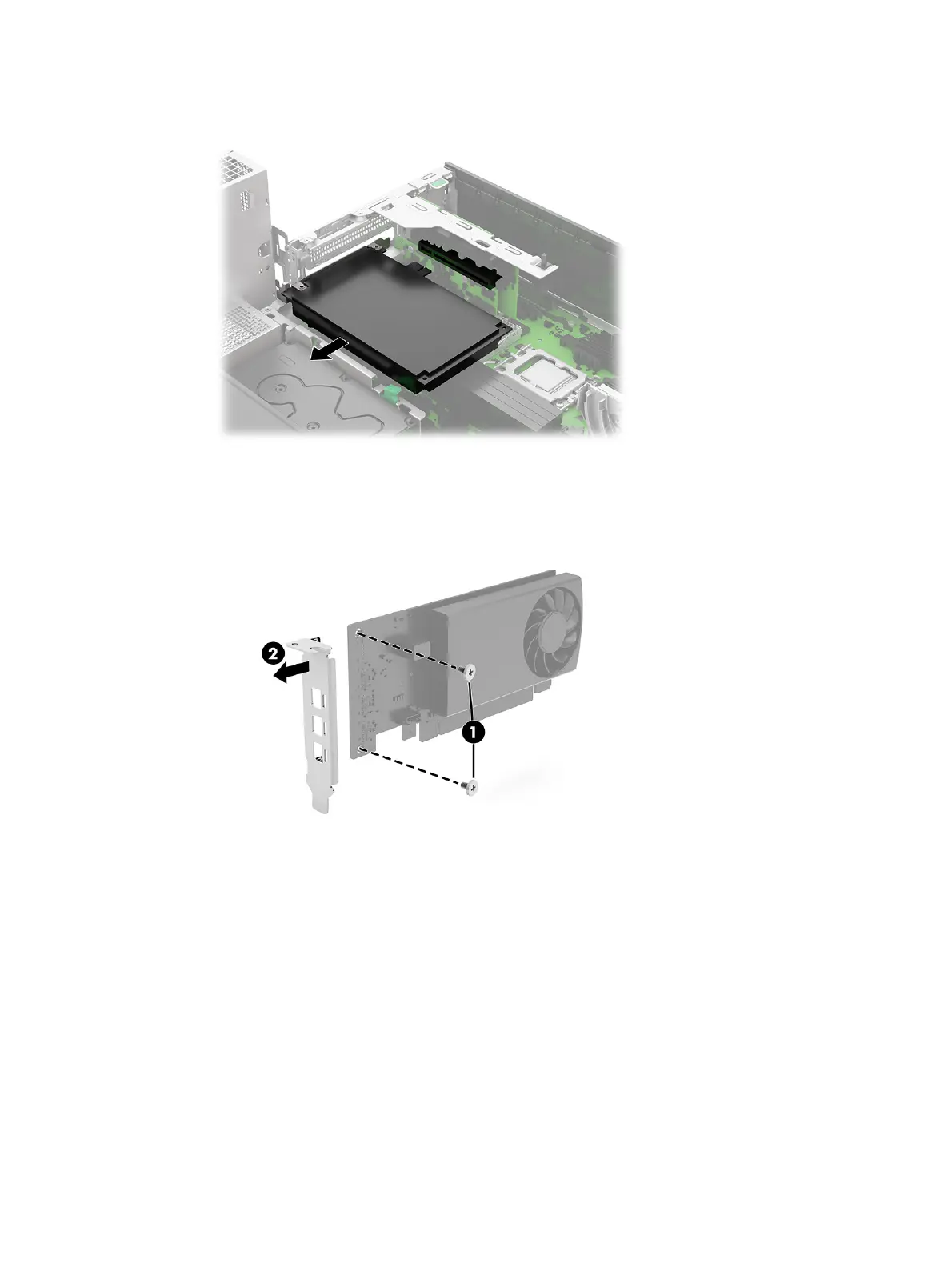
b. Pull the expansion card out of the socket on the riser assembly.
c. Different expansion cards might require a different bracket. The following illustration provides
an example of removing a bracket from an expansion card by removing two screws (1) and
pulling the bracket (2) off the card.
2. To remove the riser assembly:
34
Chapter 4 Removal and replacement procedures



 To Next Page