Installing the console switch 17
Performing a cantilever-mount installation
1. Remove the six screws, three on each side, from the console switch.
2. Attach the long 1U brackets to the console switch using four of the screws you removed. Discard the two
remaining screws.
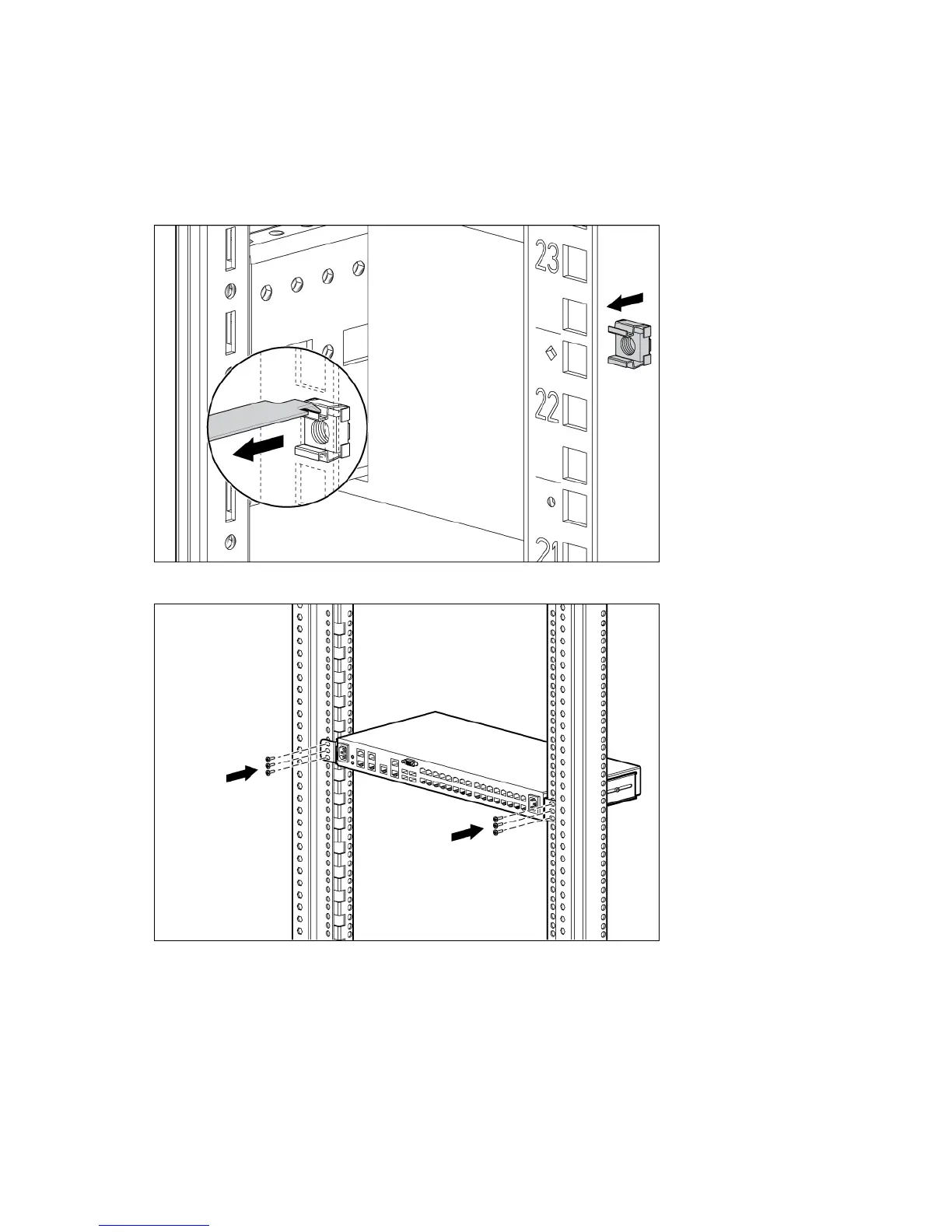
3. Install up to six cage nuts.
4. Secure the console switch to the rails using the appropriate number of M-6 screws.
Performing a side-mount installation
1. Remove the six screws, three on each side, from the console switch.













 To Next Page