Configuring the console switch 47
User accounts
The local console UI and remote OBWI require login security through administrator-defined user accounts.
Administrators can add or delete users, as well as define users' preemption and access levels.
The following allowed operations are defined by user level:
Operation Access level:
Appliance
Administrator
Access level:
Users
Configure interface system-level
settings
Yes No
Configure access rights
Yes No
Add, change, and delete user accounts
Yes No
Change your password
Yes Yes
Access target device
Yes Yes*
*Users can access a target device as long as the administrator has not reserved the device. For more information, see
Local virtual media settings.
Local user accounts
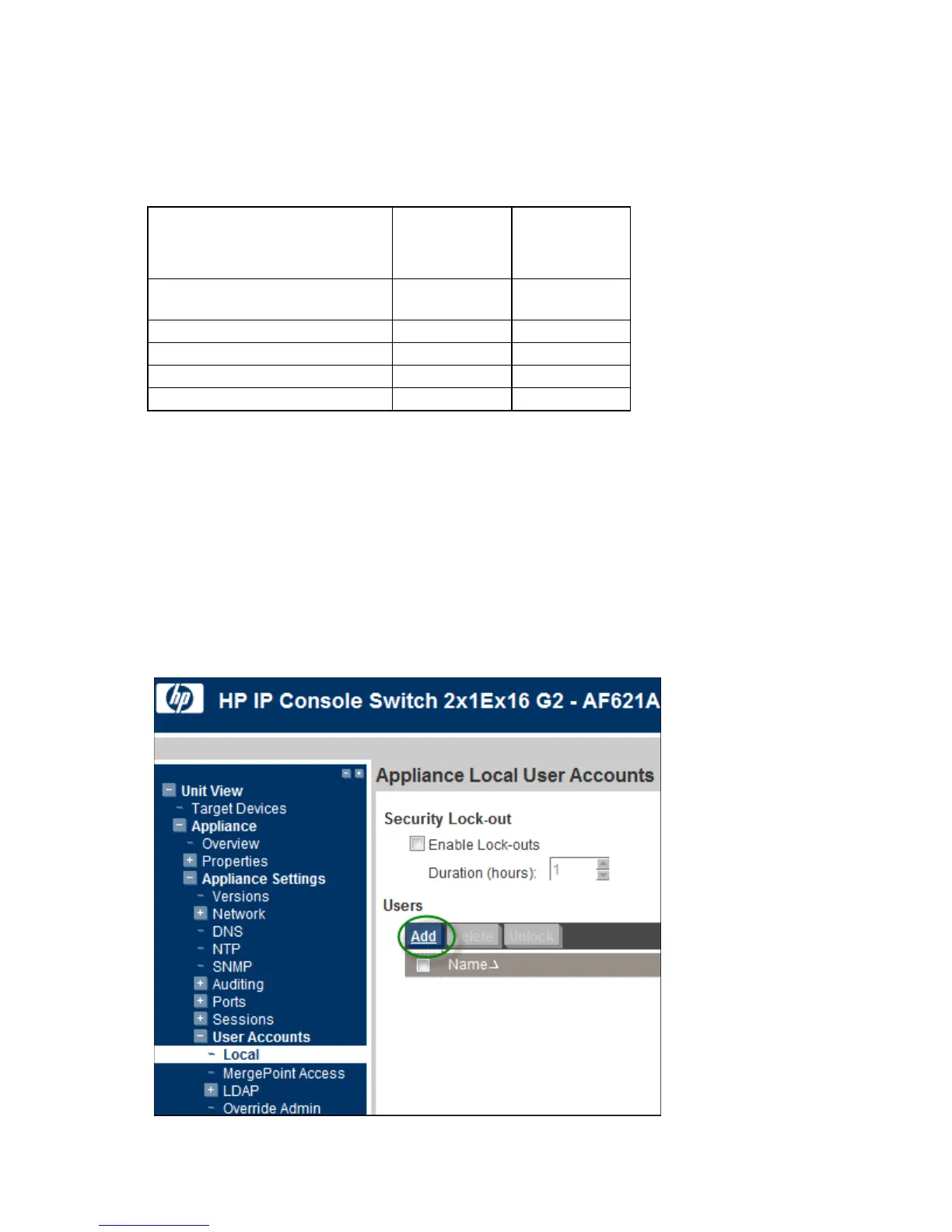
To configure local user accounts:
1. Select Unit View>Appliance>Appliance Settings>User Accounts>Local. The Appliance Local User
Accounts page appears.
2. Configure Security Lock-outs. If you enable security lock-outs, the lock-out is activated on the fifth failed
login attempt, per user account.
To add a user:













 To Next Page