Configuring the console switch 42
1.
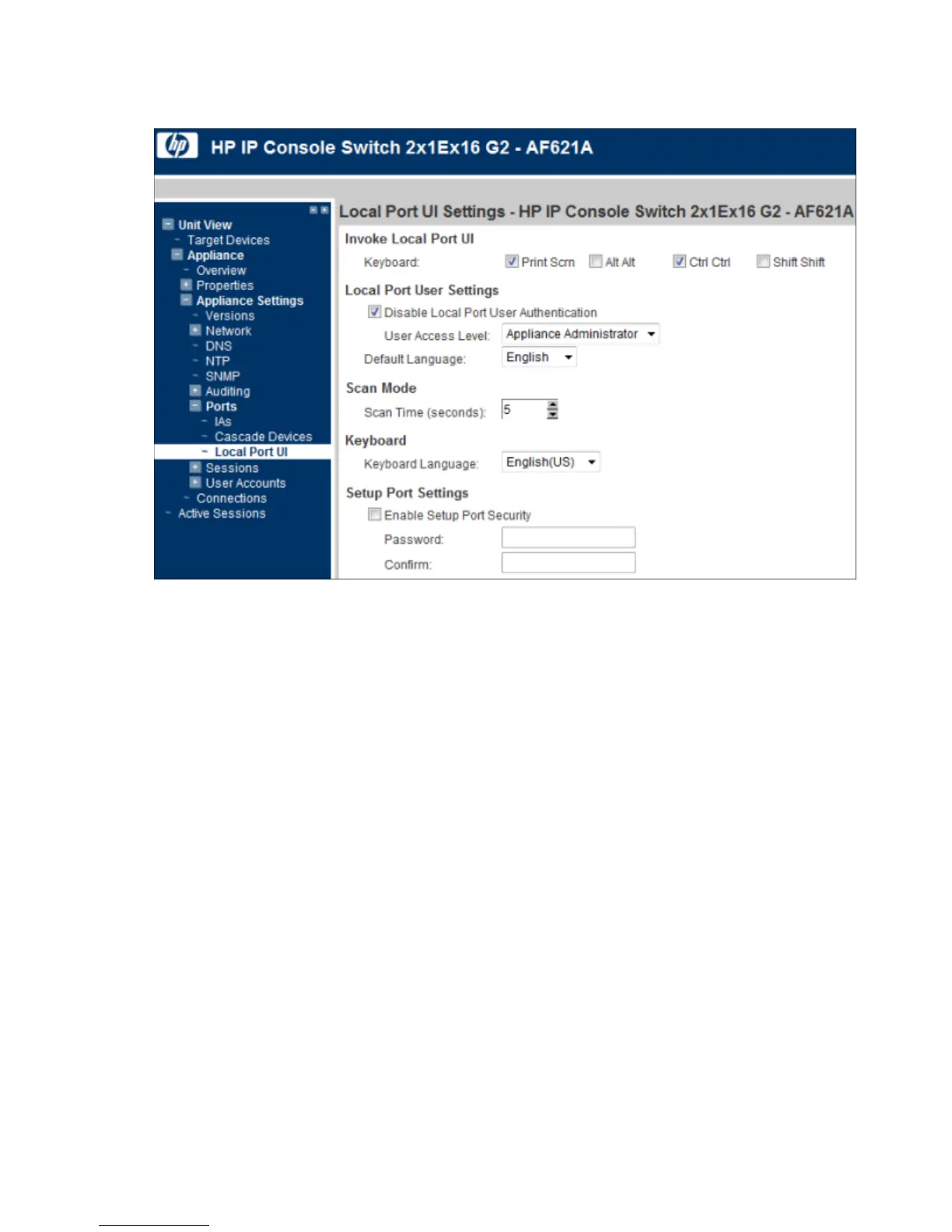
Select Unit View>Appliance>Appliance Settings>Ports>Local Port UI. The Local Port UI Settings page
appears.
2. In the Invoke Local Port UI, select the checkbox of one or more methods of launching a local console UI
session.
3. Configure the following parameters:
o Local port user settings
o Scan mode
o Keyboard
o Setup port settings
Configuring sessions
You can configure settings for the following session types:
• General
• KVM
• Virtual Media
• Serial
Configuring General Session settings
1. Select Unit View> Appliance> Appliance Settings> Sessions> General. The Appliance General Session
Settings page appears.













 To Next Page