Console switch serial management 68
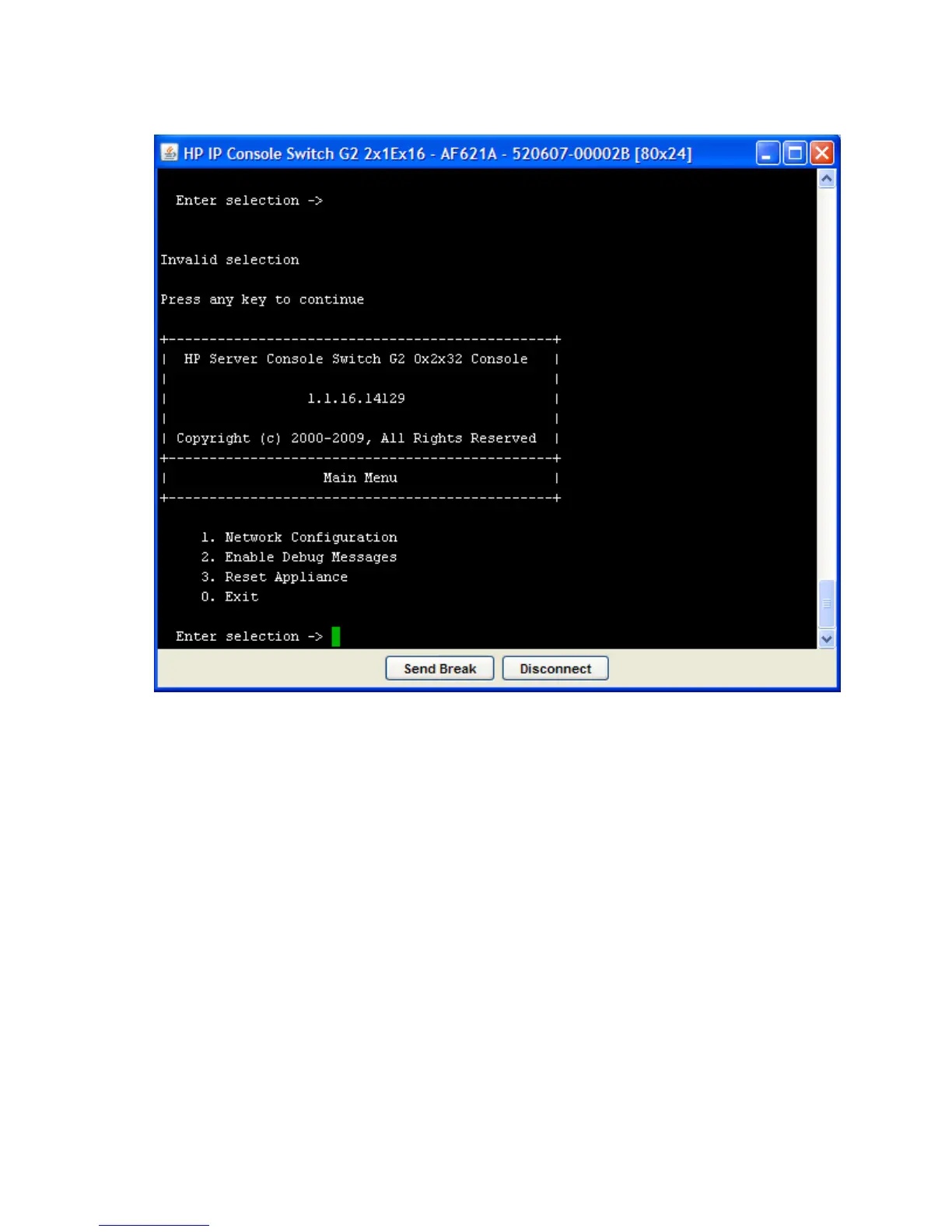
To access the Main Menu:
1. Establish a terminal session, and then press Enter. The Main Menu appears.
Network Configuration
The Network Configuration option enables you to set the network speed and either IPv4 or IPv6 settings.
Enable Debug Messages
The Enable Debug Messages option enables you to debug the system. Select yes to debug the system.
Reset Appliance
The Reset Appliance option reboots the server console switch.
Exit
The Exit option allows you to exit the Main Menu.













 To Next Page