Configuring the console switch 48
1.
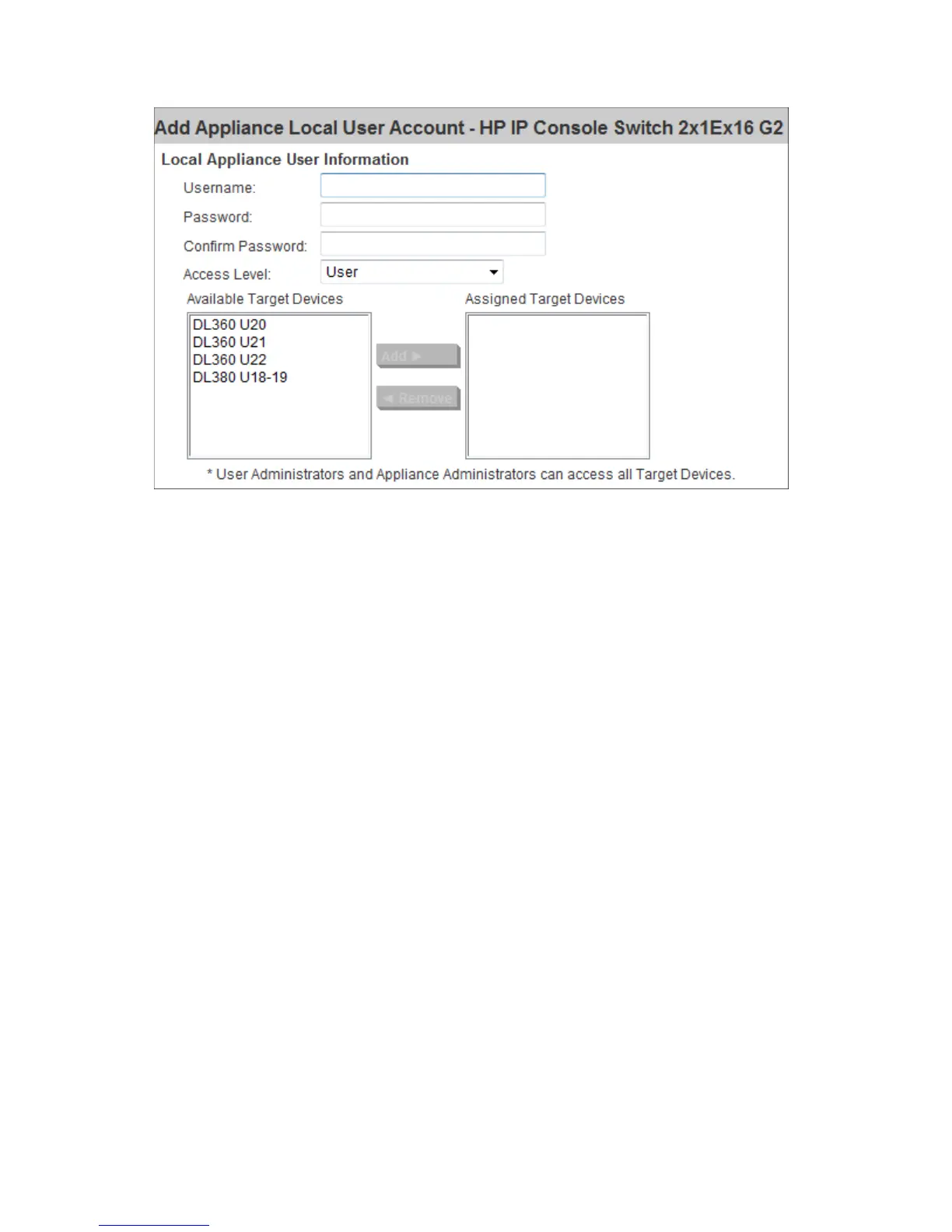
Select Add. The Add Appliance Local User Account page appears.
2. Enter the Username and Password of the new user.
3. Select the Access Level.
4. Highlight all available target devices the user is assigned to, and then select Add.
To edit a user:
1. Select the checkbox next to the user you want to edit.
2. Select Edit, and then modify the user account.
To delete a user:
1. Select the checkbox next to the user you want to delete.
2. Select Delete.
MergePoint Access settings
Use MergePoint Access Settings to connect to Avocent DSView software.













 To Next Page