Configuring the console switch 55
3.
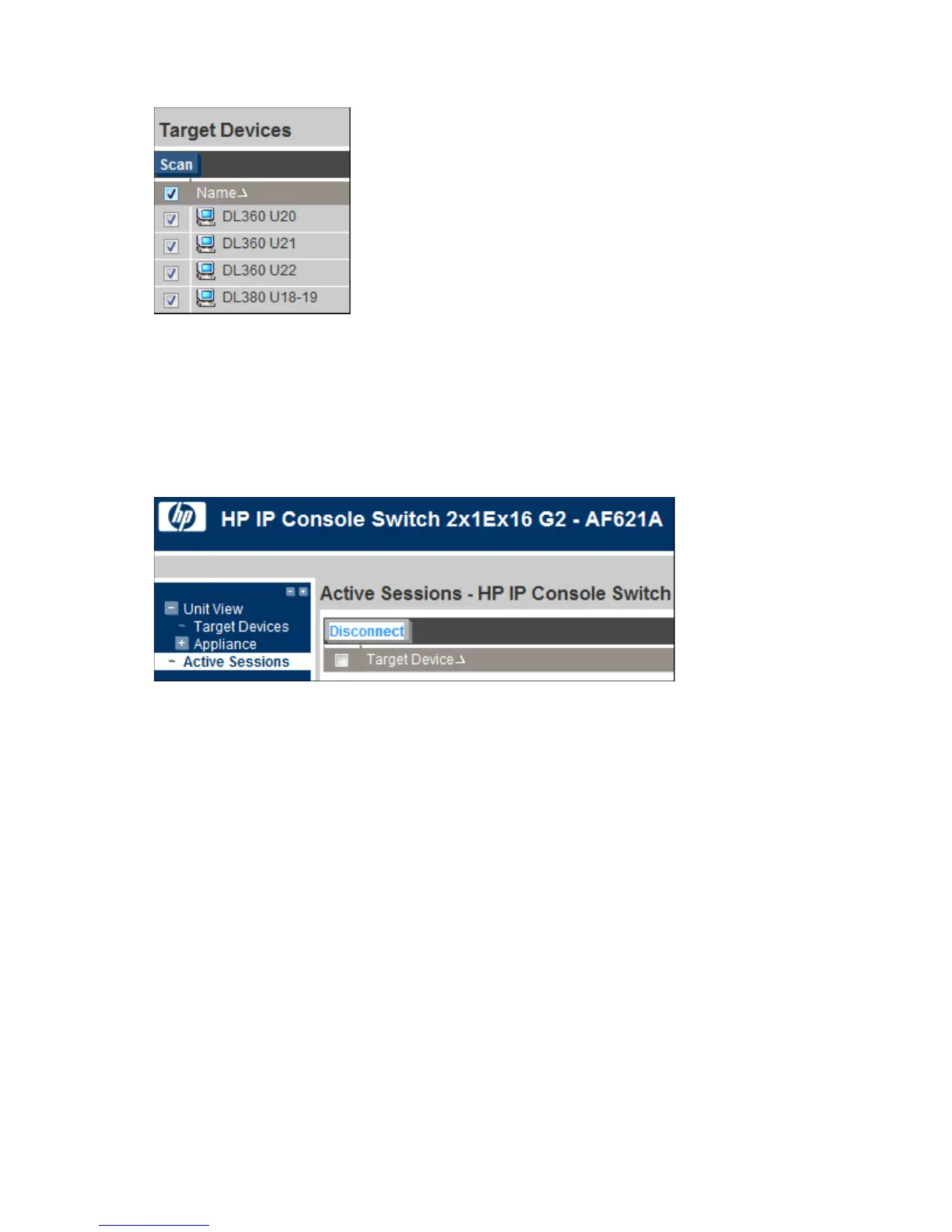
Select Scan.
To configure the scan time interval, see Local console UI settings (on page 41).
Disconnecting an active session
1. Select Unit View>Active Sessions. The Appliance Sessions page appears.
2. Select the checkbox next to the target device session you want to close.
3. Select Disconnect.













 To Next Page