Configuring the console switch 36
System alerts
In the top right-hand header of the interface, any current system alert appears.
The following alerts might appear:
• Power supply failure
• Elevated ambient temperature
• Fan failure
Network settings
Only Administrators can make changes to the network settings. All other users can view network settings, but
cannot make changes.
General network settings
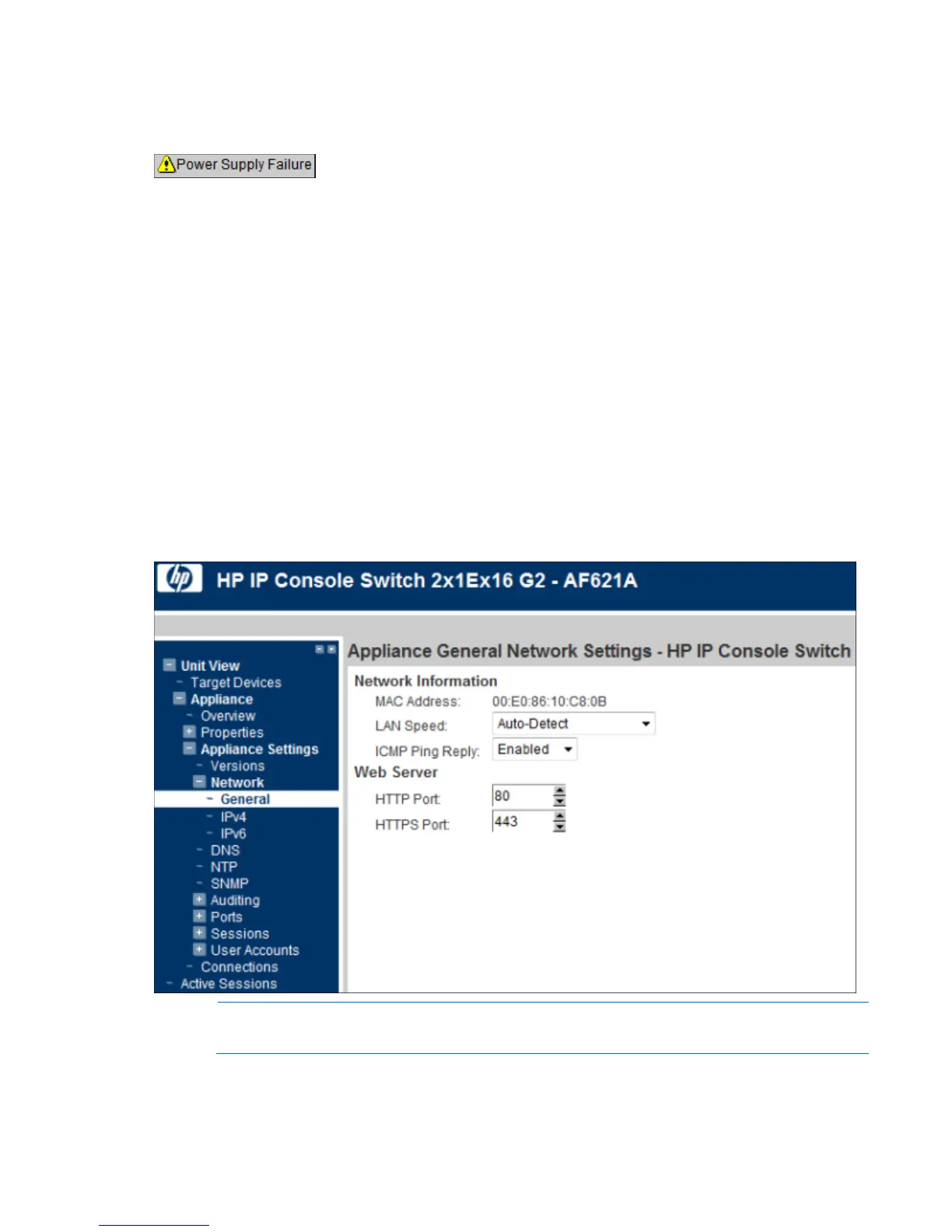
To configure General network settings:
1. Select Unit View>Appliance>Appliance Settings>Network>General. The Appliance General Network
Settings page appears.
NOTE: If you change the LAN speed, you must reboot the console switch.
2. Configure the following parameters:
o LAN Speed













 To Next Page