Configuring the console switch 44
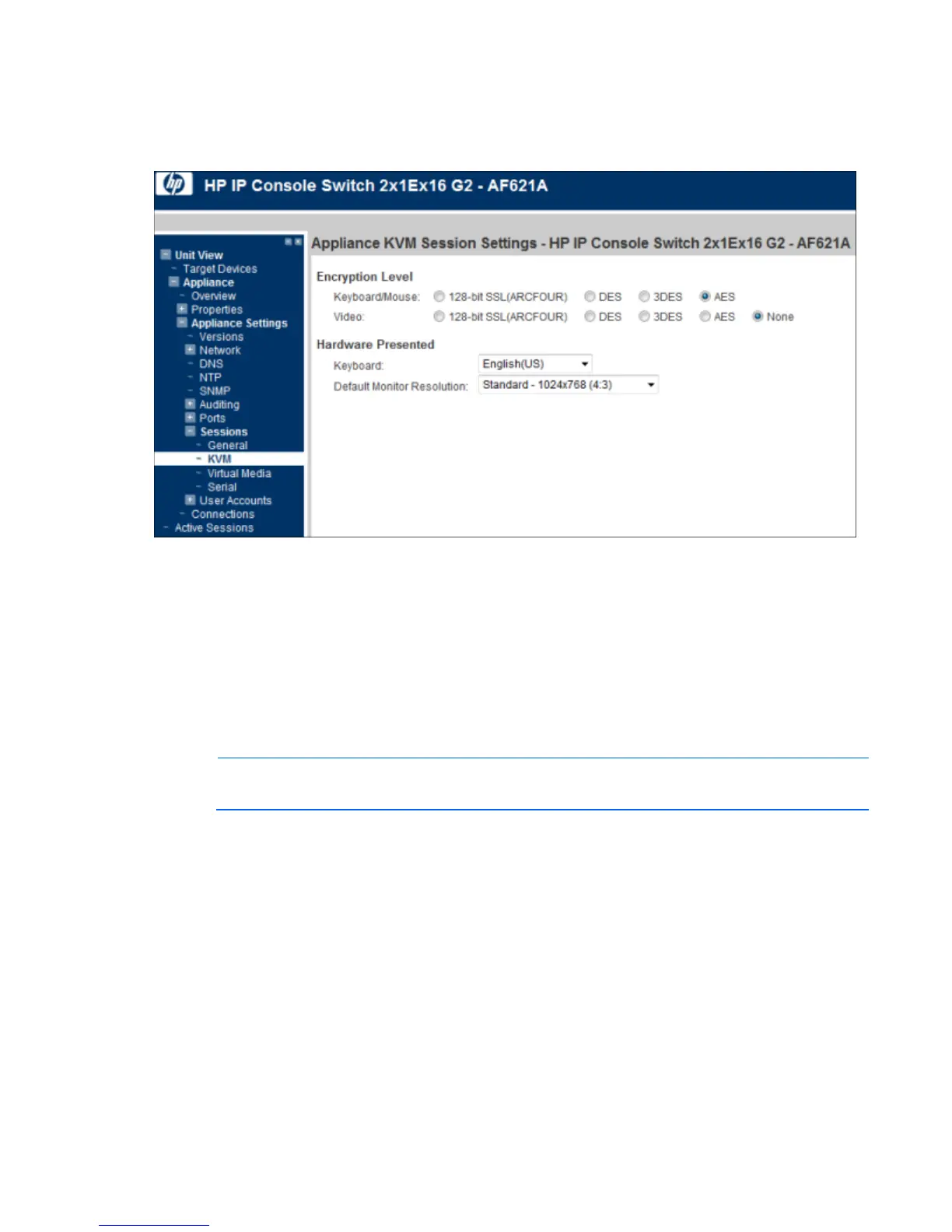
Configuring KVM Session settings
1. Select Unit View> Appliance> Appliance Settings> Sessions> KVM. The KVM Session Settings page
appears.
2. Configure the following parameters:
o Select an Encryption Level for your keyboard and mouse.
o Select an Encryption Level for your video.
o Select the language of the keyboard you are using.
o Select the monitor resolution you are using: either Standard or Widescreen. This resolution becomes
the default resolution for the local console.
Configuring Virtual Media Session settings
NOTE: You can disable the Virtual Media functionality on an individual interface adapter for
security purposes.













 To Next Page