Configuring the console switch 49
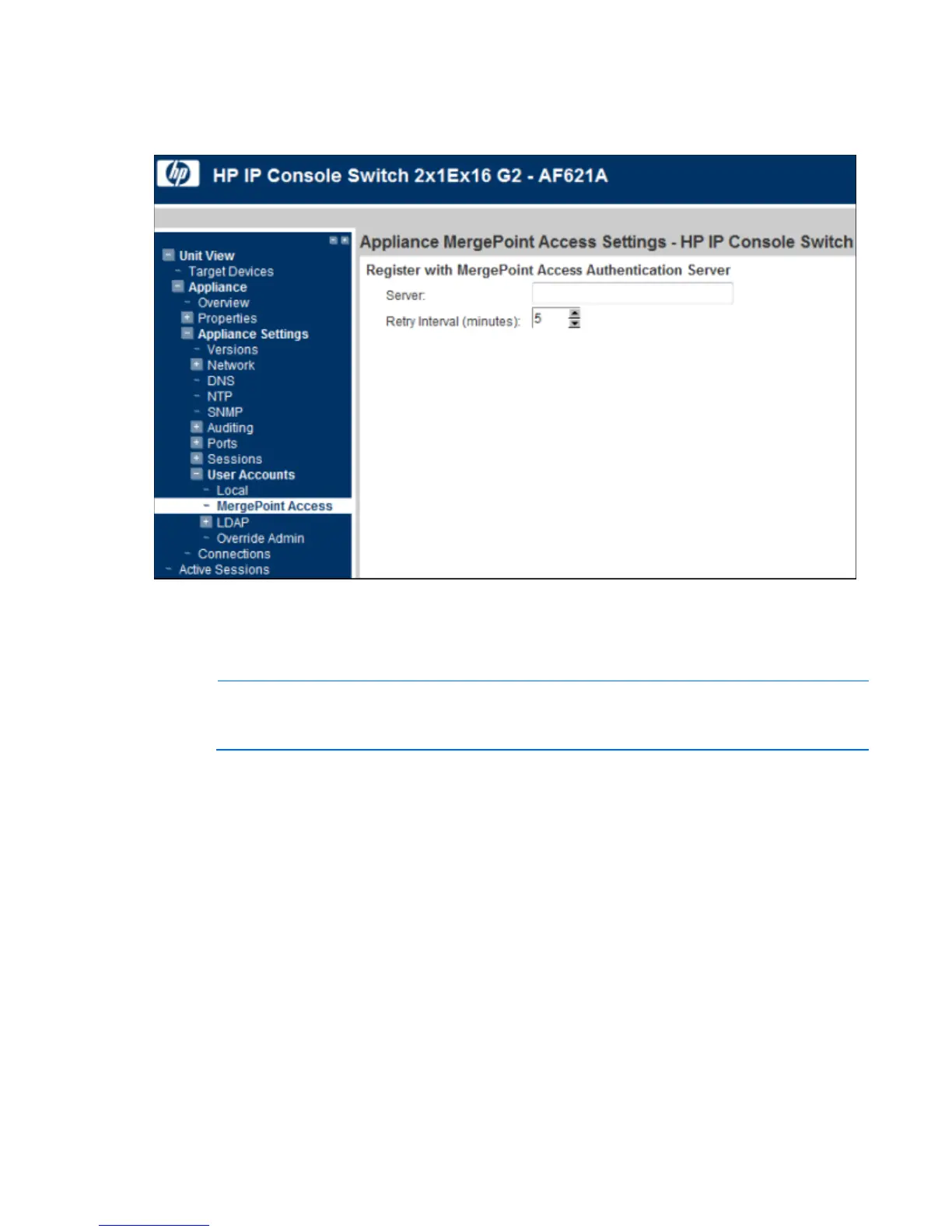
To configure MergePoint Access settings:
1. Select Unit View>Appliance>Appliance Settings>User Accounts>MergePoint Access. The Appliance
MergePoint Access Settings page appears.
2. Configure MergePoint Access settings.
Configuring LDAP
NOTE: Unless otherwise specified, use the LDAP default values, unless Active Directory has been
reconfigured. Modifying the default values might cause LDAP authentication server
communication errors.
You can configure the LDAP authentication priority and server connection information.













 To Next Page