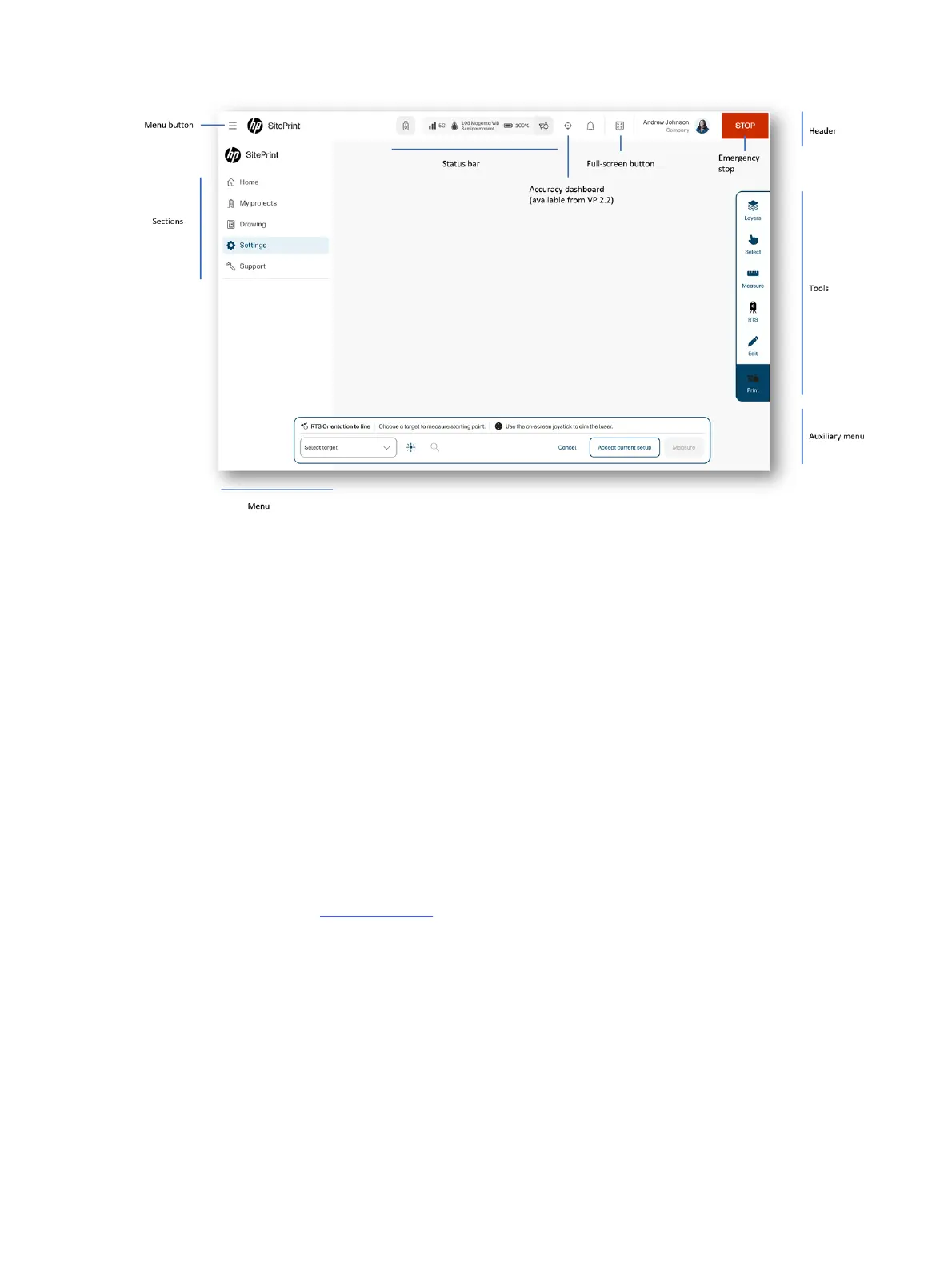
User-interface sections
In the user interface, you will see a menu on the left with the titles of various sections.
● Home
● My projects
● Drawing
● Settings
● Support
The Home section shows device data, under the title DEVICE STATUS.
Device status
The control panel displays the device status by default when the user interface is activated.
After the robot is turned on and the control panel is connected to the robot’s Wi-Fi, you can access the
user interface at the URL http://192.168.10.1.
1. Control-panel menu
2. RTS status bar
3. Robot status bar
4. Full-screen button
5. User profile
6. Emergency stop
16
Chapter 2 Product components



 To Next Page