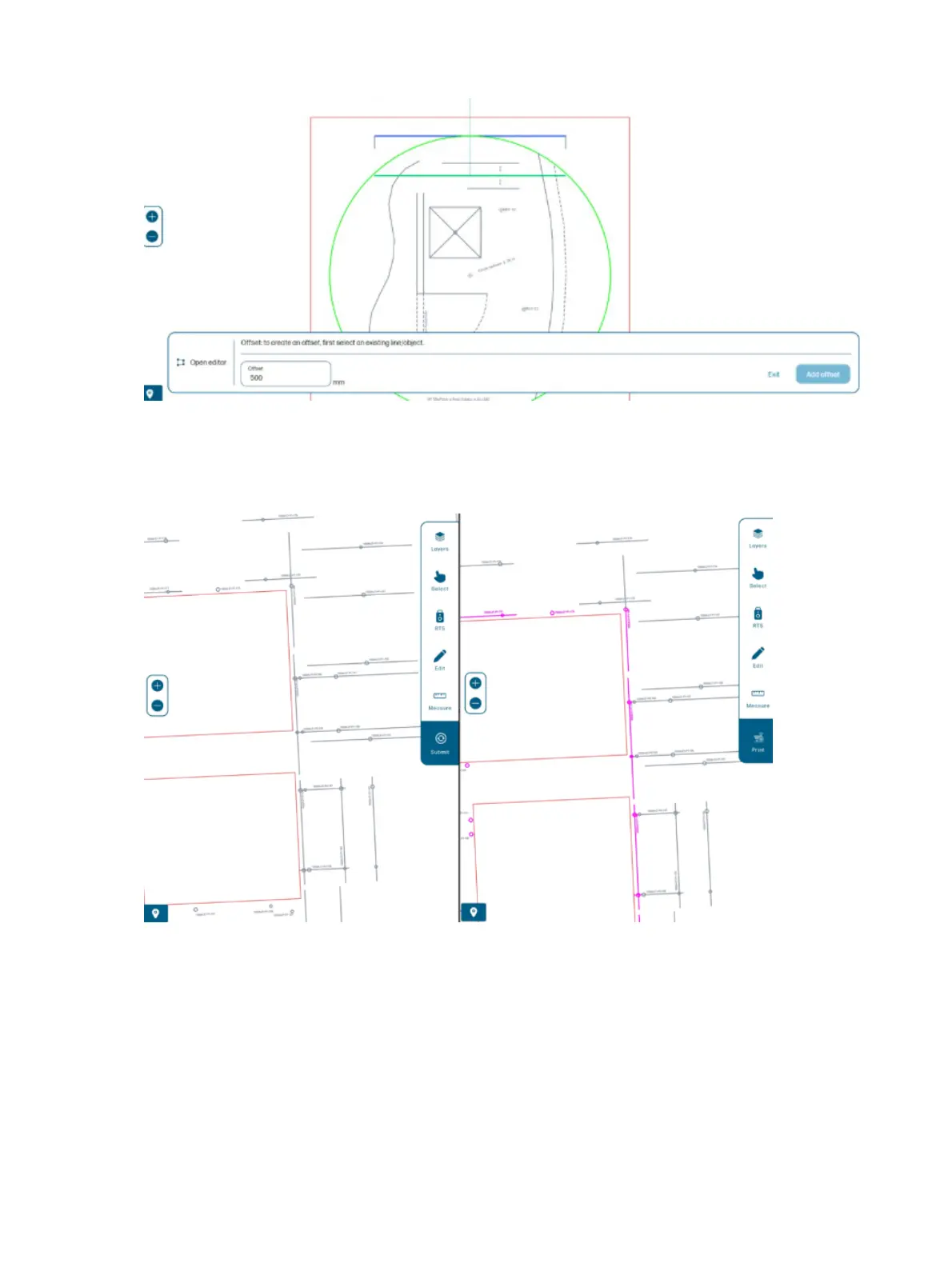
When you submit the job, it is processed by the robot.
At that time, any elements that are 20 cm7.8 in or less from any obstacle are discarded or segmented.
Such elements are displayed in pink and moved to the ‘discarded’ layer.
Station the RTS
From the Map page, you can station the RTS in two different ways: resection or orientation to a line.
50
Chapter 4 Job execution



 To Next Page