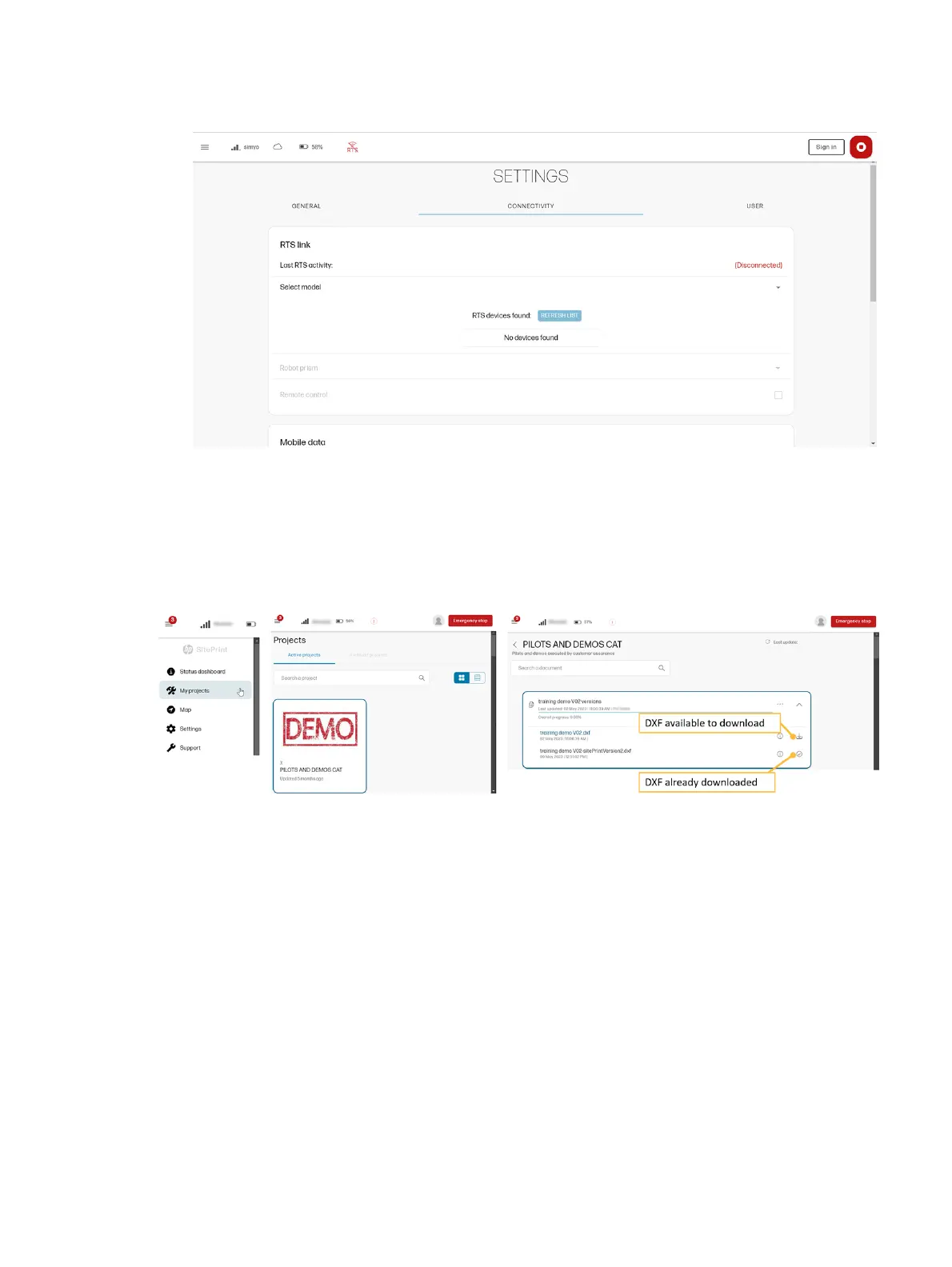
1. Go to the Connectivity tab of the Settings page in the control panel.
2. Tap REFRESH LIST to detect a nearby RTS and connect to it.
Load a file from My Projects
From the
My Projects tab, you can choose the project that contains the DXF file that you want to print
from the HP SitePrint Cloud.
You can also download a DXF file from the Cloud to work offline. If you previously downloaded the file,
when you are in an area without coverage, the robot can work with that file without needing to connect to
the Internet.
Map page
The Map page is used to submit jobs and control their progress.
The maximum submitted print area is 300 × 300 m (984 × 984 ft).
Load a file from My Projects
45



 To Next Page