TIP: Add all obstacles before starting to print: the job progress will be lost if obstacles are added once
printing has started.
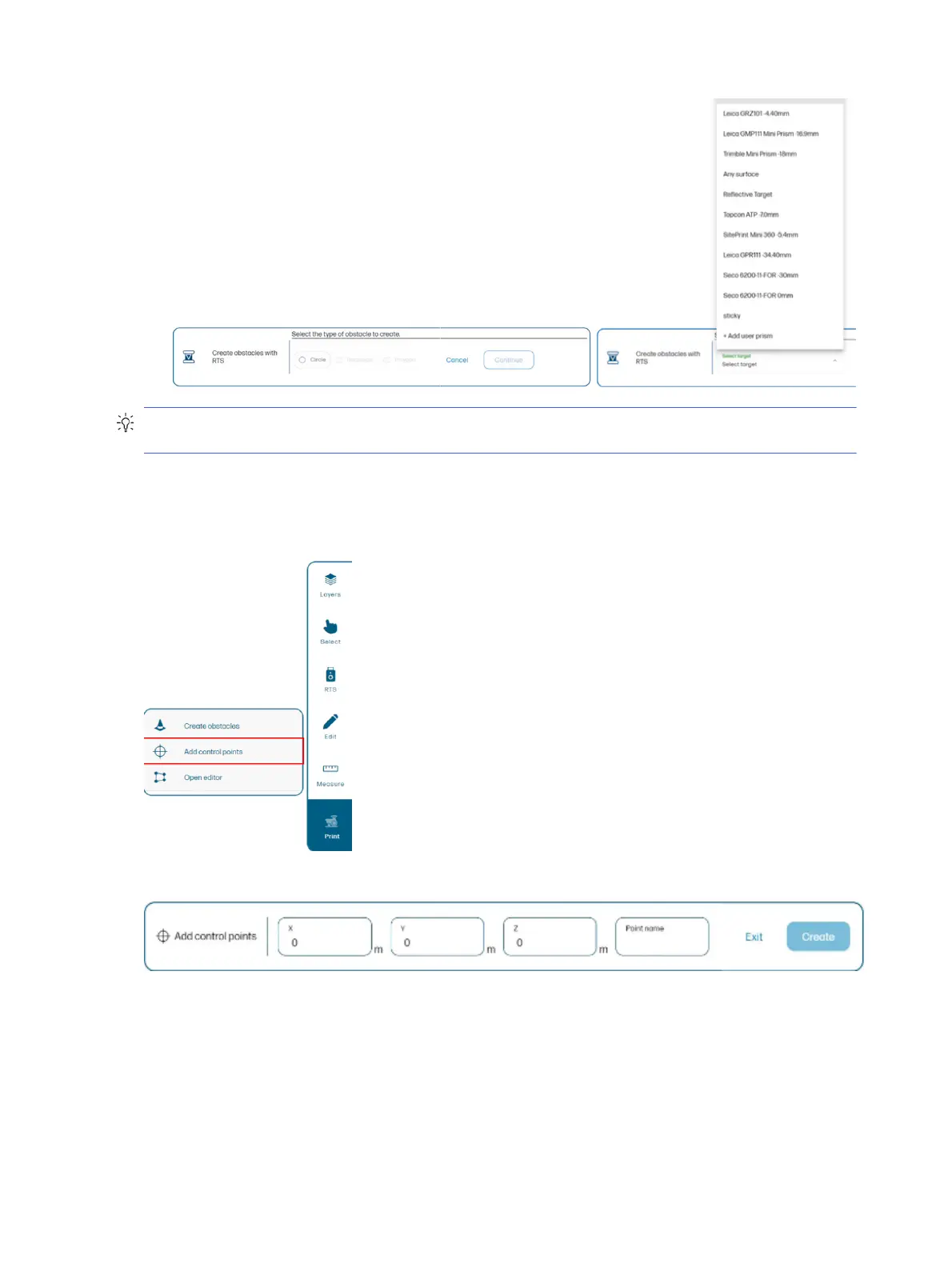
Add control points
You can add control points from the Map page without having to add them previously in the DXF file.
You need to enter the X, Y, and Z coordinates of the point, and assign a name to it.
The same units of measurement are used as in the DXF file.
48
Chapter 4 Job execution



 To Next Page