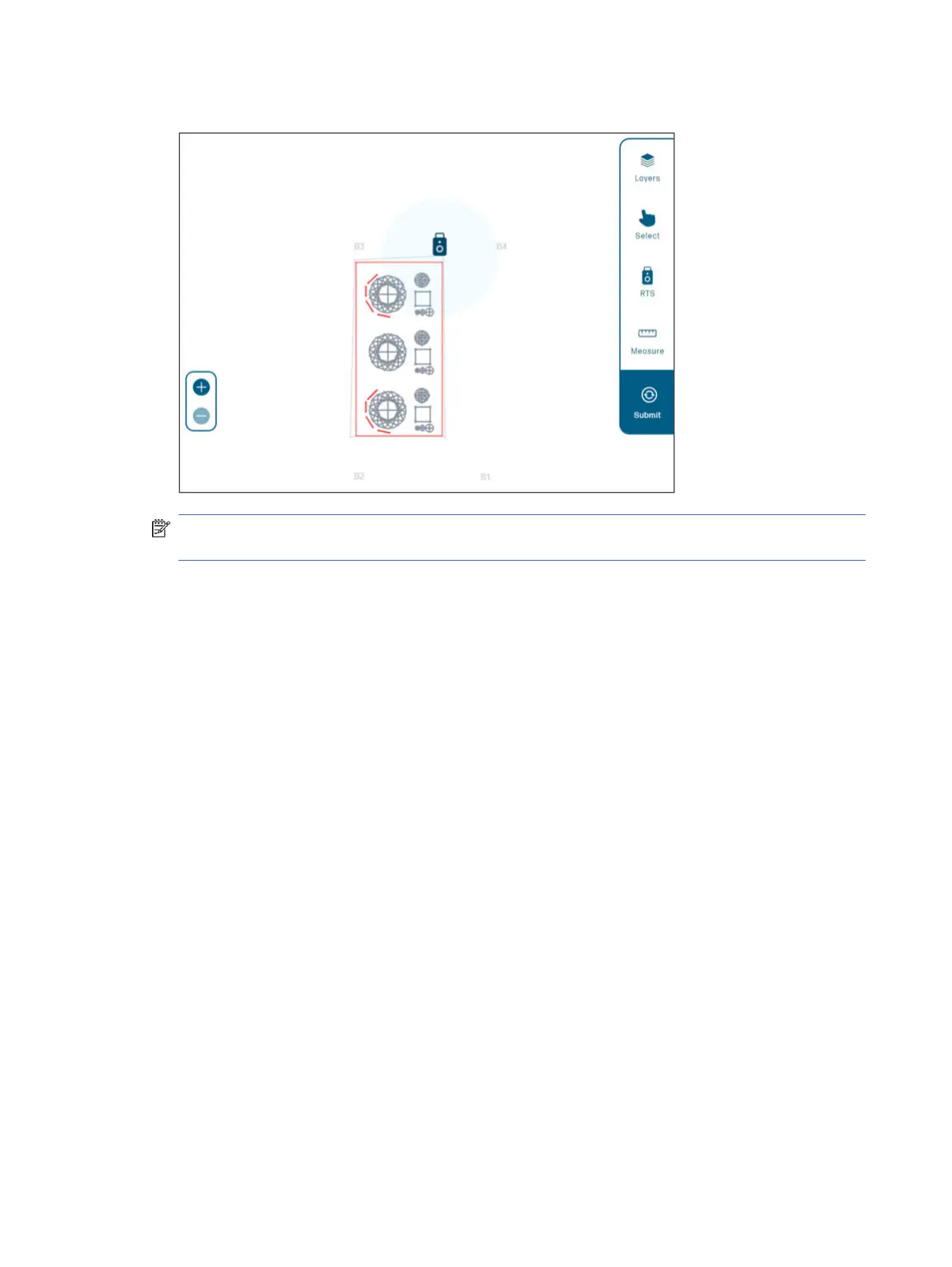
7. Check the recommended exclusion zone, around the RTS, to ensure accuracy.
NOTE: It is highly recommended to add all the obstacles before you start printing, otherwise the
job progress will be lost if more obstacles are added later.
Job submission
After submitting the job, it is processed by the robot. Then you will be able to select the lines and print
them. Selected lines are colored in blue, and obstacles in red.
22
Chapter 2 Product components



 To Next Page